

c to compose a new email. Slashy gives you a rich text editor with autocomplete recipients, formatting shortcuts, file attachments, and multi-account sending.
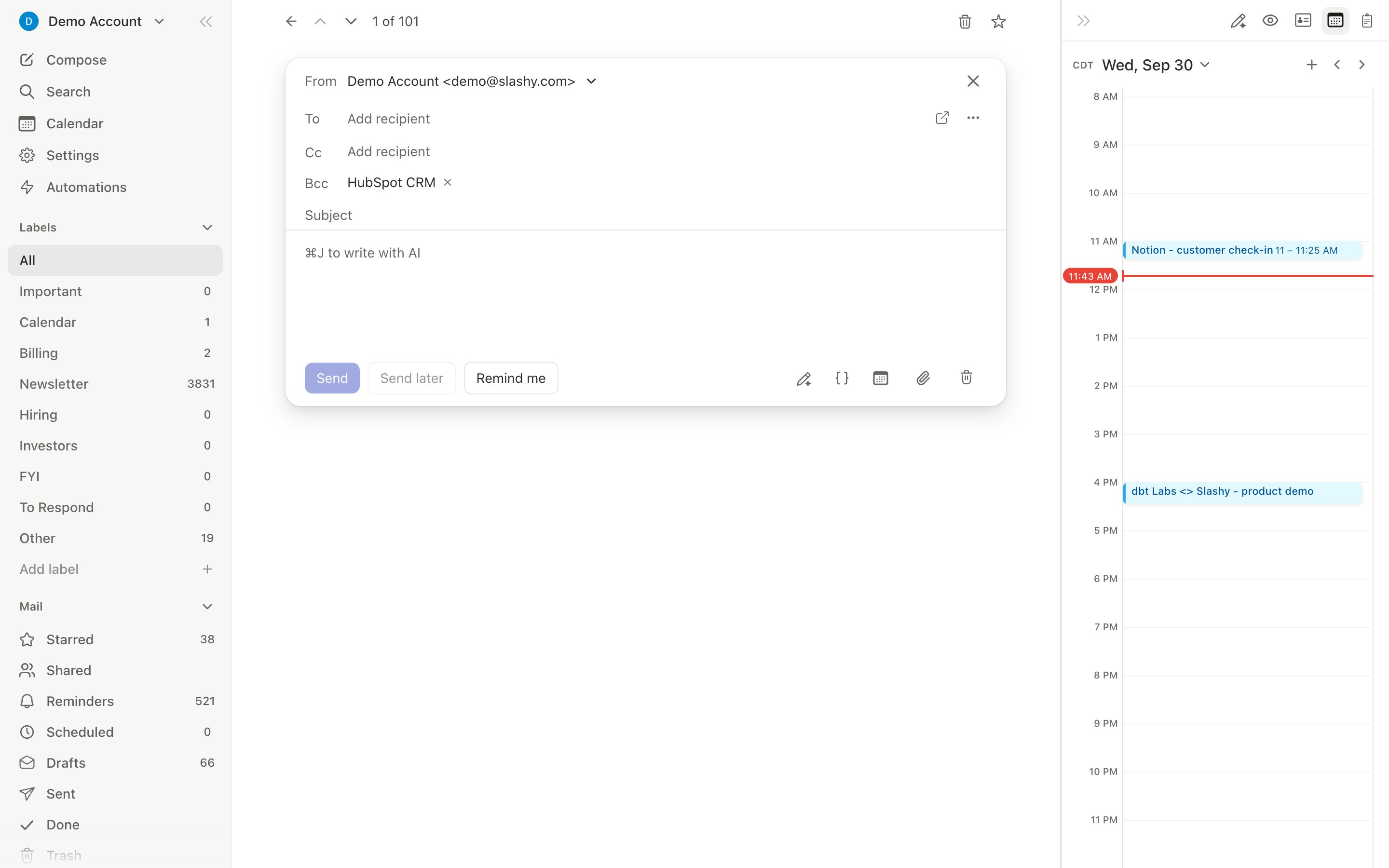
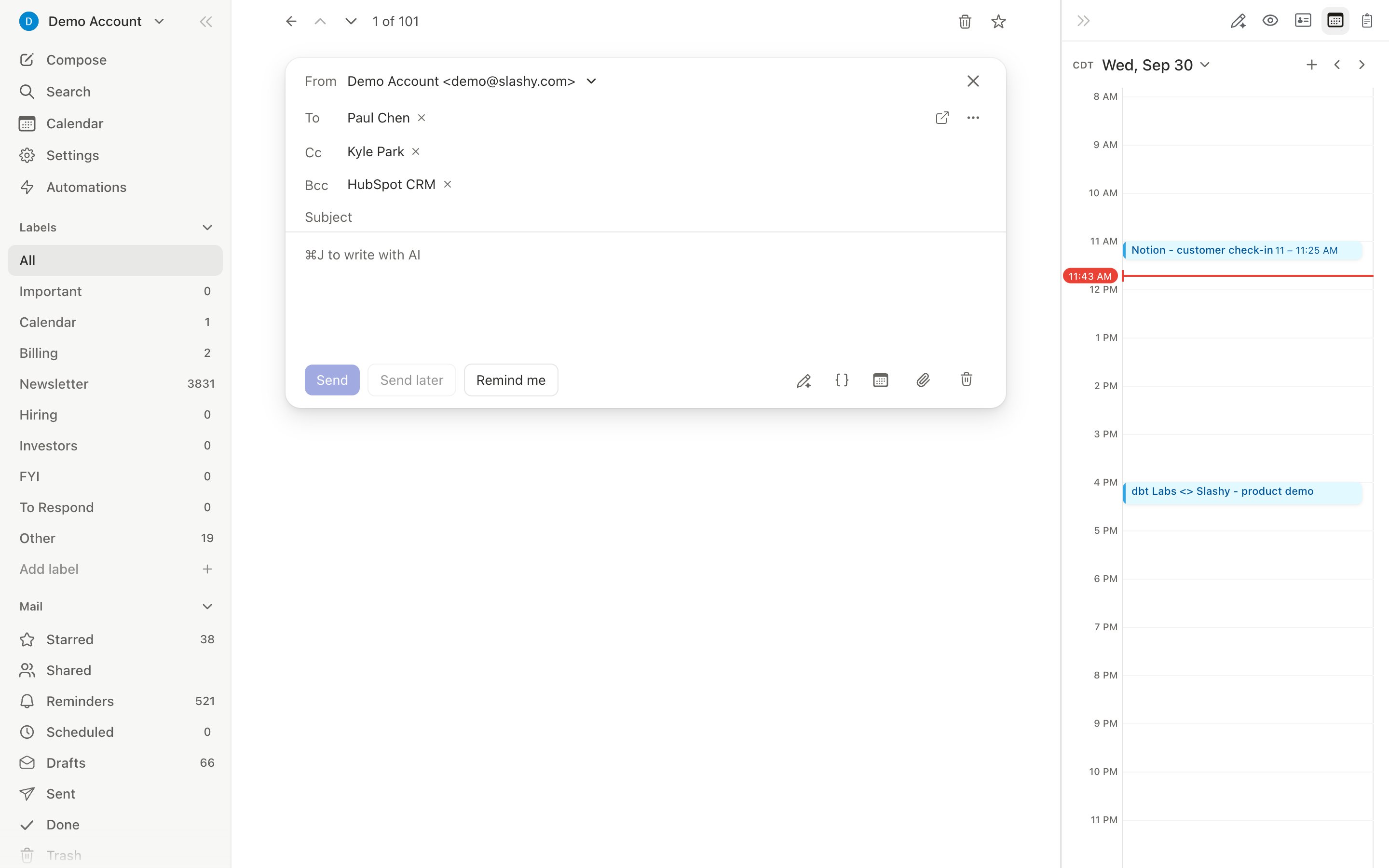
Full-Screen vs. Pop-Up Mode
Toggle with
Cmd+Shift+P. Set your default in Settings > Account > Compose Mode.
Recipients
Type a name or email in the To field. Slashy autocompletes from your contact history with fuzzy search. PressTab to move down through To, CC, BCC, and Subject, and Shift+Tab to move back up.
Drag and drop recipient chips between fields (To to CC, CC to BCC, etc.). Remove chips with the X button or Backspace.
Multi-select recipient chips by clicking one, then Shift-clicking or Cmd-clicking others. Drag the whole selection to a different field, or remove them together with Backspace.
Cut and paste works on selected chips too. Select one or more chips, press Cmd+X, click into another recipient row, and press Cmd+V to move them from, for example, CC to BCC. Copying with Cmd+C leaves the originals in place.
From Selector
With multiple accounts connected, the From dropdown lets you choose which account to send from. Defaults to the account you’re currently viewing.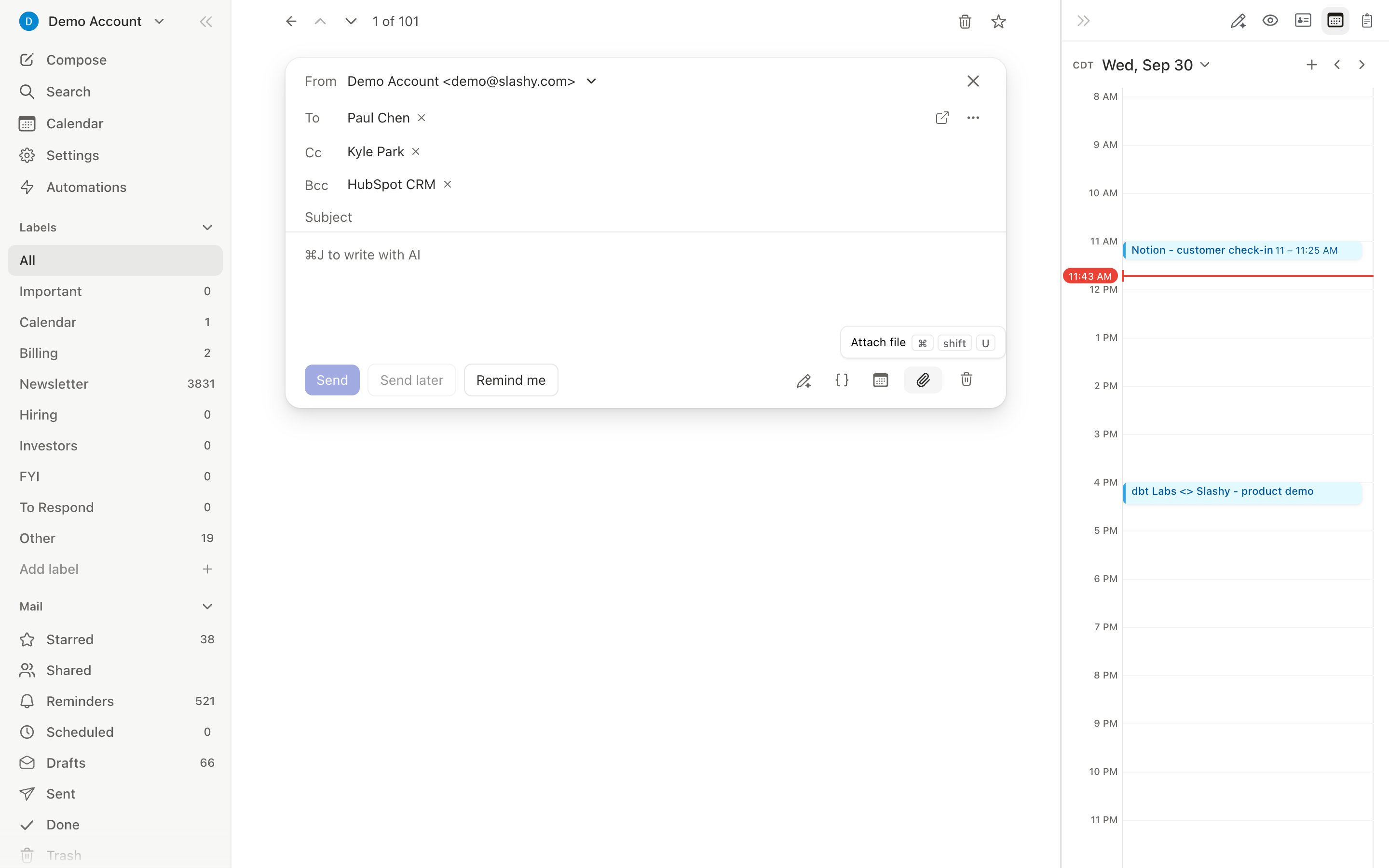
Rich Text Editor
To highlight text, select it and choose the highlight button in the formatting menu that appears.
Spell check and autocorrect
For English, Slashy checks spelling as you type, without an internet connection. Misspelled words get an underline. Click an underlined word to see suggestions and pick one to replace it, or choose Ignore to hide that word everywhere in the message. With the cursor in an underlined word, pressOption+Enter (Mac) or Alt+Enter (Windows and Linux) to open the same menu from the keyboard.
Right-click an underlined word for the full menu: suggestions, Add to dictionary, Disable spell check, then Cut, Copy, and Paste. Words you add to the dictionary are never underlined or corrected again on that device.
Autocorrect
Autocorrect fixes common typos when you finish a word with a space, punctuation, orEnter. It only changes slips with one clear correction, such as “teh” to “the” or “dont” to “don’t”, and leaves names, words in all capitals, links, and the quoted thread alone. A corrected word keeps a faint underline while your cursor is next to it. To put back what you typed, press Backspace or Cmd+Z right after the correction, or click the underlined word and choose your original spelling. The same menu has Turn off autocorrect.
Turn spell check or autocorrect off
Both switches live in Settings → Account → Compose & Reply as Spell check and Autocorrect. They apply to the device you set them on. Turning spell check off hands checking back to your browser or system, and autocorrect turns off with it. Spell check and autocorrect turn on when your browser or system language is English. Other languages use your browser’s built-in spell check.Attachments
1
File picker
Cmd+Shift+U opens the file picker2
Drag and drop
Drag files onto the compose window
3
Paste images
Copy an image and paste directly into the editor body
4
Drop an image as an attachment
Dragging an image into the message body inlines it. To attach it as a file instead, drop it on the attach zone beside the paperclip in the actions bar. Both zones light up while you drag so you can see where it will land.
Large attachments
When your attachments push the message past what an email can carry, Slashy uploads the files to Google Drive and sends recipients a link instead of refusing them. The composer shows these files as Drive chips with upload progress, and you can remove or retry a chip before sending. This needs Drive access, which you grant once: go to Settings > Integrations, find Large attachments, and click Connect. If you attach an oversized file before connecting, Slashy tells you and points you there.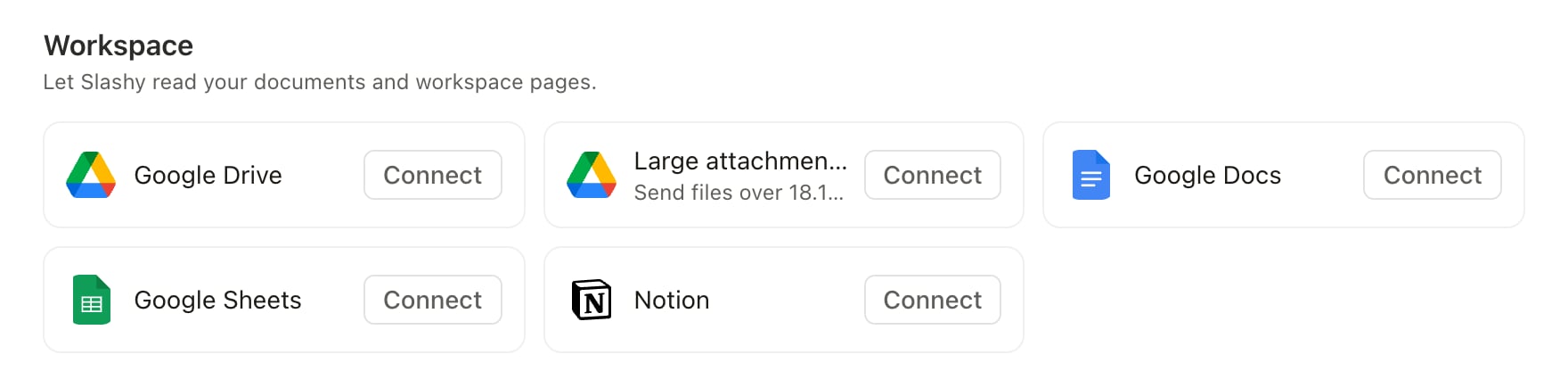
Working with attachments already in a thread
- Copy files to clipboard (desktop, macOS only) — open
Cmd+Kon a thread with attachments and choose Copy file to clipboard, or Copy files to clipboard for more than one. Paste the actual files anywhere outside Slashy, including into a new draft, without downloading them first. - Step between attachments with arrow keys — with an attachment open in the viewer, press Left or Right to move to the next or previous attachment in that email, in the order they’re shown.
- Find inside document previews (desktop) — with a
.docx,.xlsx, or PDF open in the viewer,Cmd+Fsearches inside that document instead of the page behind it, with match highlighting and a result count. On the web app,Cmd+Fuses your browser’s own find bar instead.
Link Previews
Paste a URL into the compose body and Slashy expands it into a rich preview card with the page title, description, and thumbnail image, so recipients see context before they click. Click the preview to remove it and fall back to a plain link.AI Features While Composing
- AI Autocomplete — ghost text appears as you type; press
Tabto accept - AI Draft Reply —
Cmd+Enterin a reply to generate a full draft - AI Edit — select text and invoke the AI editor to improve, shorten, or fix grammar
- AI Email Rating —
Cmd+Pto score your draft with specific suggestions - Event chip — mention a time in your draft and a chip like Tomorrow · 1:00 PM appears above it; click to create the calendar event with the recipient invited. See Creating an event from a draft.
Sending
- Send:
Cmd+Enter(with a 30-second undo window) - Schedule send:
Cmd+Shift+Lto pick a future time - Send now:
Cmd+Shift+Entersends immediately, skipping the undo window - Remind after sending:
Cmd+Shift+Hwhile composing sets a reminder on the thread for after it sends - Send and Snooze:
Cmd+Option+H(Mac) /Ctrl+Alt+H(Win/Linux) sends the email immediately and opens the snooze picker so you can set a follow-up reminder in the same step. Archive-on-send follows your Done-on-Send setting.
Sending Drafts in Bulk
Open Drafts (g d), select several drafts, and click Send in the toolbar. Slashy asks you to confirm, then sends the drafts a couple of seconds apart, each waiting in Scheduled with the same 30-second undo window. Drafts that can’t go out, such as ones with no recipient, are skipped, and the result tells you how many were sent and how many were skipped. You can send up to 130 drafts at a time. To discard drafts instead, select them and use Delete. Deleting a draft is permanent.
Sending Without a Connection
If you lose internet mid-send, Slashy doesn’t drop the email. It queues the exact message in a durable offline outbox and sends it automatically the moment your connection returns, no need to rewrite or resend. You can keep composing other emails while queued sends wait in the background. See Sync Issues if a queued email isn’t going out after you’re back online.”Sent with Slashy” Footer
Outgoing emails include a small “Sent with Slashy” footer by default. To remove it, go to Settings > Account > Compose & Reply and turn off the Sent with Slashy toggle.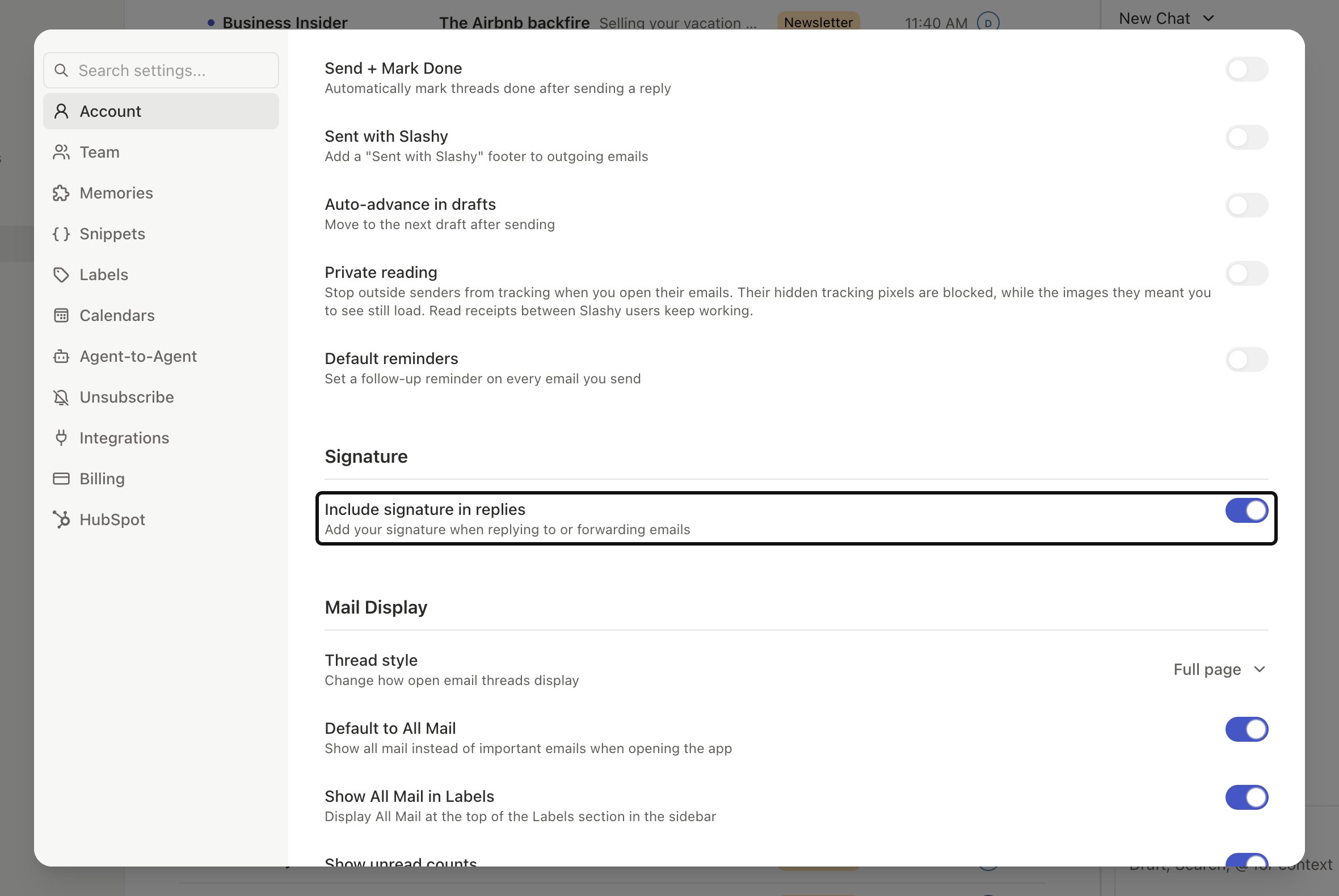
Snippets & Templates
Reusable email templates with AI variables
Signatures
Configure and manage email signatures
Scheduled Send & Undo Send
Schedule with Smart Send and undo within 30 seconds
Unsubscribe & Block
Block senders and bulk unsubscribe
Sync Issues
Troubleshoot email and calendar sync