

Connect Attio
1
Open integration settings
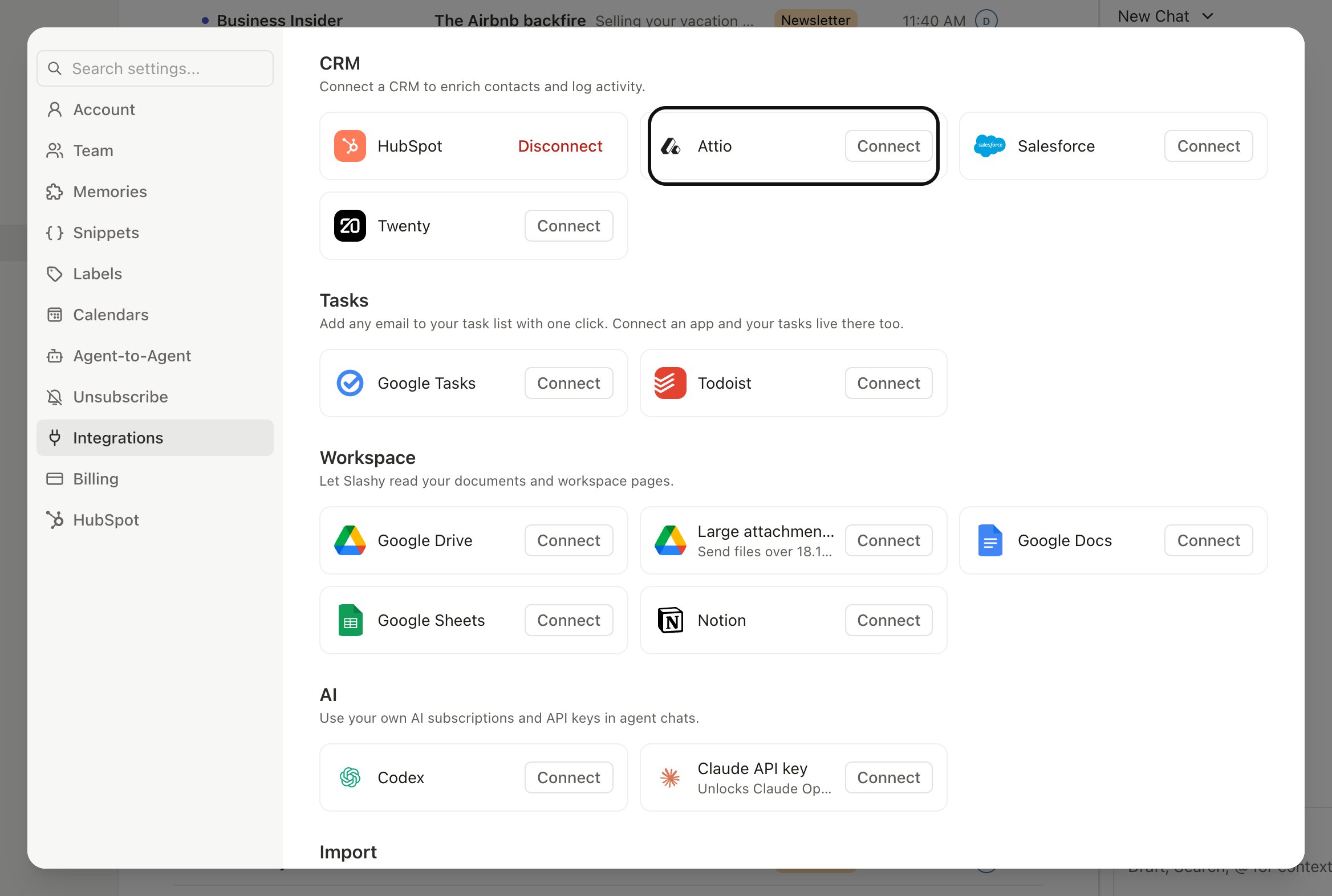
Go to Settings, Integrations, CRM, Attio.
2
Authorize the workspace
Click Connect Attio. Sign in and pick the workspace you want Slashy to read and write.
3
Pick the object
Most teams sync to the People object. If you use a custom object for contacts, choose it here.
What syncs
- Contacts. When you email someone whose address isn’t already in Attio, Slashy creates a record on the chosen object.
- Email activity. Every sent and received message is logged as an activity on the matching record, with subject, snippet, and timestamp.
- Attribute fields. Editable attributes on the contact (job title, company, location, custom fields) flow both ways. Edits in Slashy push to Attio; edits in Attio show up in the Slashy contact card on next sync.
How Slashy handles Attio field types
Attio supports several attribute shapes. Slashy maps each one cleanly:- Text and number. Written as plain values.
- References. Fields like Company, Owner, or Location resolve to the linked record. If you type a company name that already exists in Attio, Slashy links to it; if it doesn’t, Slashy creates the linked record and points to it.
- Multi-select. Tag-style fields accept multiple values. Slashy preserves the existing selections and appends new ones rather than replacing.
- Date and status. Written in Attio’s expected formats so workflows downstream still fire.
List membership
Lists group Attio records for a specific workflow, like an outbound sequence or a renewal pipeline. Slashy shows which lists a contact belongs to right in the contact sidebar, so you don’t have to switch to Attio to check. From the sidebar, add or remove the contact from any list you have access to. Changes apply in Attio immediately. You can also ask the agent (Cmd+/): “Add this contact to the Q3 Outbound list” or “Remove Sam from the Renewals list.” The agent finds the list by name and updates membership directly.
Disconnect
Open Settings, Integrations, CRM, Attio and click Disconnect. Slashy stops syncing immediately. Records and activities already written to Attio stay there.Disconnecting does not revoke the Attio app from your workspace. To fully remove access, also revoke the connection from Attio’s app settings.
HubSpot
Auto-BCC HubSpot for CRM logging.
Salesforce
Account context and agent read/write.
Twenty
See Twenty records beside your email.
Slack bot
Post Slashy activity to Slack channels.
Composing
Write and send mail from Slashy.
MCP
Connect Slashy to other tools over MCP.
Contacts
Manage people across inboxes.