

Agent-to-Agent appears in Settings for accounts that belong to a team.
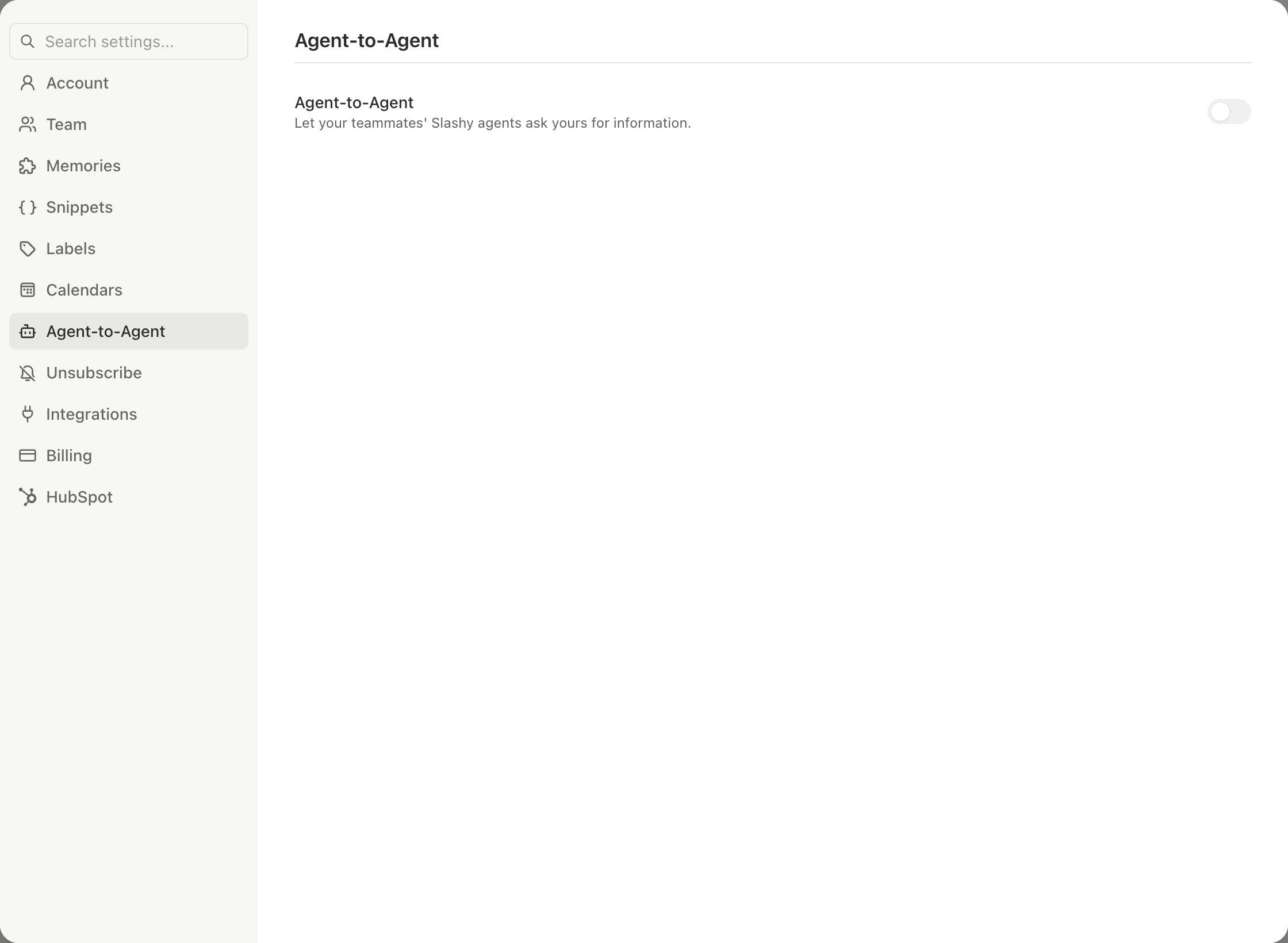
Turn it on
1
Open the settings
Press
Cmd+, and choose Agent-to-Agent.2
Switch it on
Turn on Agent-to-Agent, described as “Let your teammates’ Slashy agents ask yours for information.”
3
Choose what to share
Set the options below.
What you control
The Email and Calendar settings are the most your agent can ever reveal. Sharing rules can narrow that further but never widen it. If a request falls outside your settings, your agent declines without describing the content.
How it works day to day
When you ask your agent about a teammate’s view, for example “Ask Sam’s Slashy whether Thursday works for the review,” your agent messages theirs. Their agent answers under the rules they set. The reverse is also true: when a teammate’s agent asks yours, it replies from what you allowed. The agent answering a teammate only reads. It cannot send email, change your calendar, or edit anything on your behalf.Can I change my sharing rules by chatting?
Can I change my sharing rules by chatting?
Yes. You can tell your agent what teammates’ agents may and may not share. Your explicit instruction is what changes a rule. The text of each rule is visible in Settings under Sharing rules.
Team settings
Manage your team and members.
Agent autonomy
What the agent does on its own.
AI privacy
How your data is handled.
Sidebar Agent & Command Palette
Chat with the agent.