

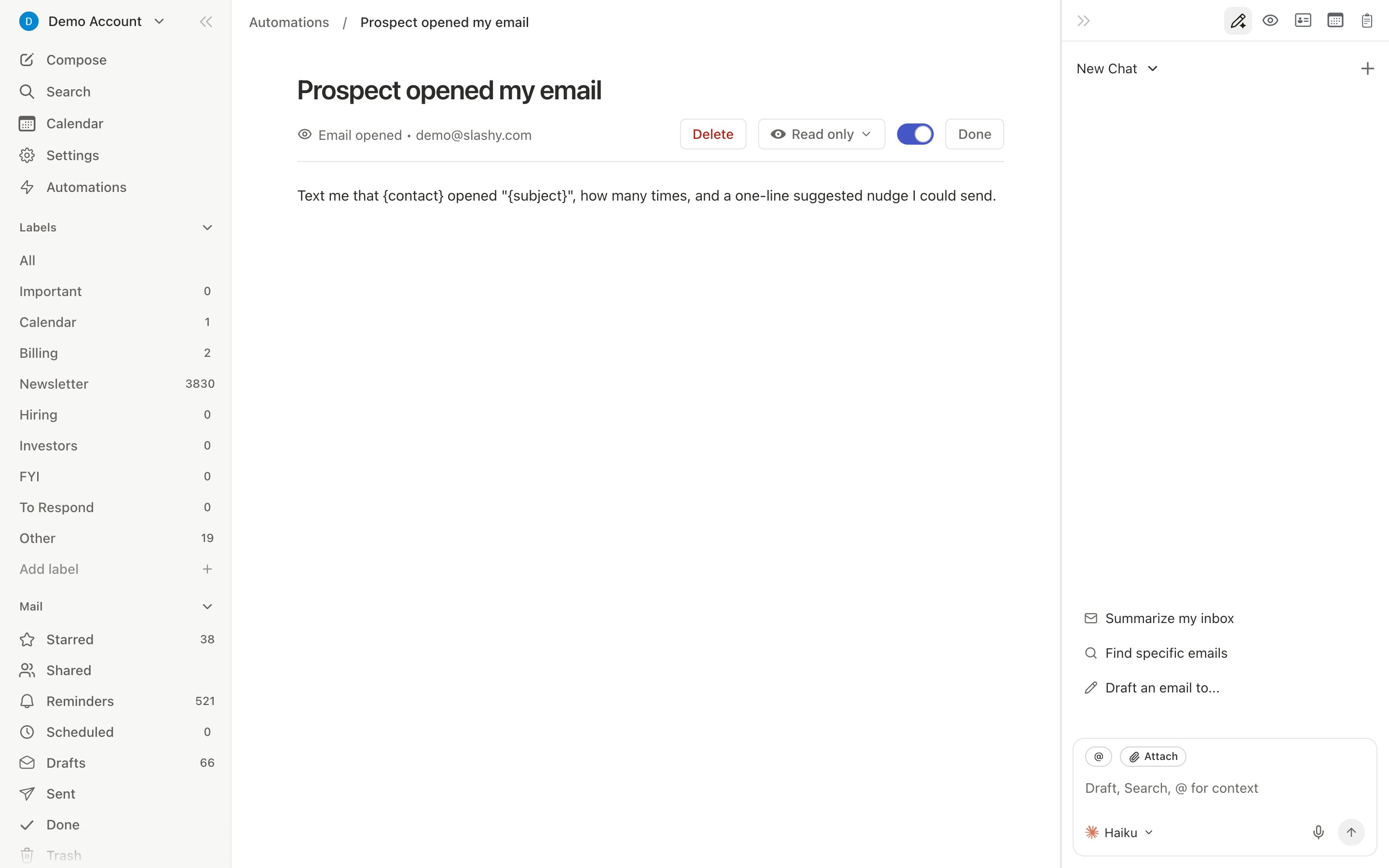
Sidebar Views
Additional shortcuts:
g i for Important, g o for Other.
Choosing Your Default View
By default Slashy opens on your Important inbox. To land on All Mail instead, open Settings (Cmd+,) then Account, and turn on Default to All Mail.
The same toggle is in the command palette: press Cmd+K and search “default”.
Importance Label Tabs
At the top of your inbox, labels appear as tabs with unread counts. Navigate withTab / Shift+Tab. Drag tabs to reorder, or drag threads onto a tab to reclassify.
Your Gmail labels can be tabs too. Tick them in Settings > Labels; a label used by several of your accounts becomes one tab. Emails can’t be dragged onto a Gmail label tab, because those tabs only show mail that already has the label in Gmail. See Labels and AI classification.
Filter, Sort & Group Menu
A single dropdown in the inbox header combines filtering, sorting, and grouping so you don’t have to hunt through separate menus. Filter narrows which threads appear: Show all (default), Unread, Starred, All todos, Needs reply, or Follow up. Sort & Group controls how the filtered list is arranged: None (default), float Unread or Starred threads to the top for a two-tier layout, or group threads by type, urgency, or due date. Top-section float and grouping are mutually exclusive, so picking one clears the other. Open the menu from the inbox header, or jump to it from the command palette (Cmd+K, search “top section” or “group”).
Inbox Filters
Toggle filters to narrow your current view. Active filters stack with your view and label.
Press the shortcut once to activate, again to deactivate.
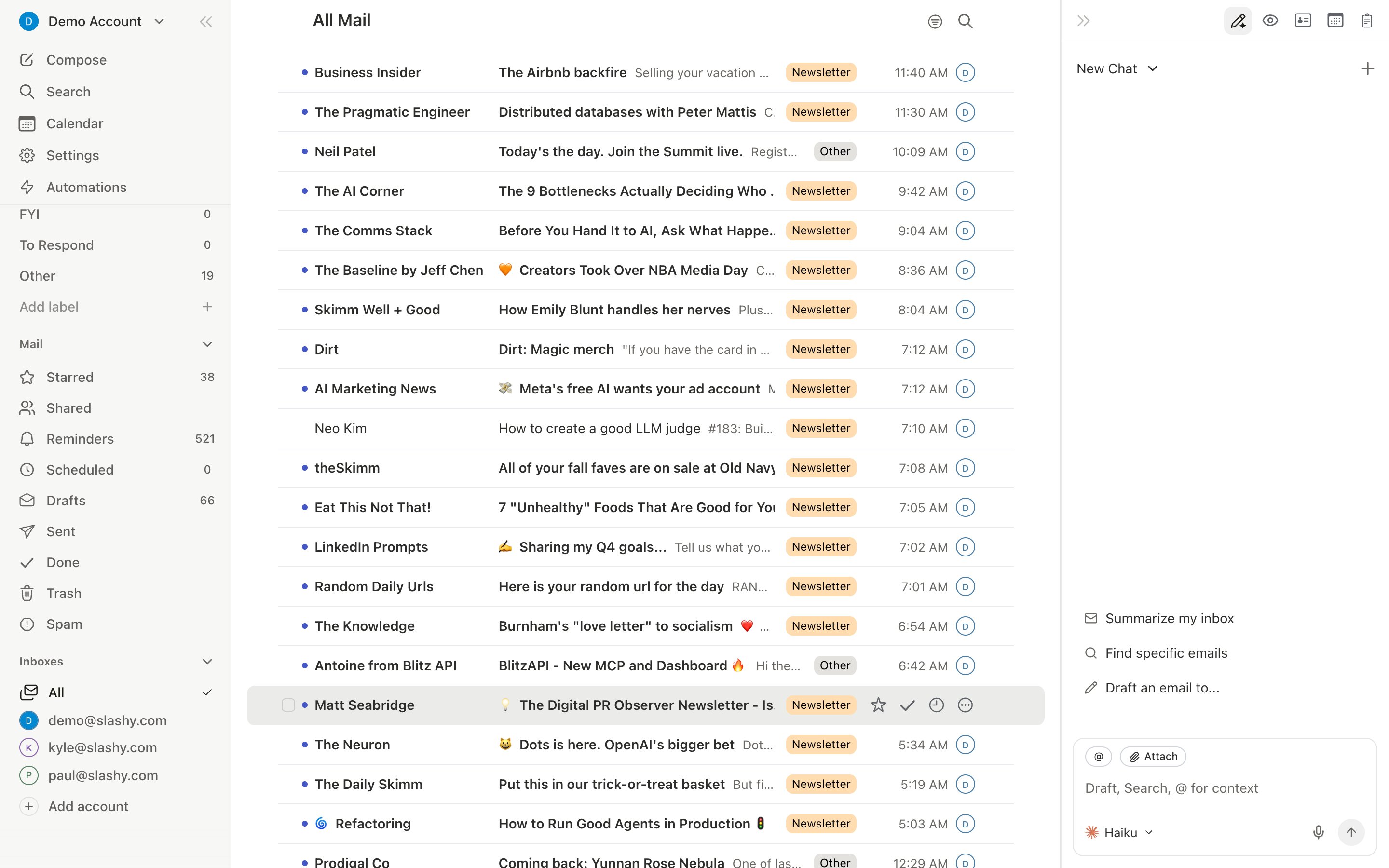
Multi-Inbox Switching
Switch between connected accounts instantly withAlt+1 through Alt+9 (and Alt+0 for the tenth). Each inbox has its own threads and settings; your importance labels are shared across all accounts.
Common View Workflows
Morning triage workflow
Morning triage workflow
Start with
g i (Inbox), work through threads top to bottom with j/k. Archive with e, star important items with s, snooze non-urgent with h. End with Done view (g e) to confirm everything is handled.Follow-up review
Follow-up review
Go to Sent (
g t), then filter with Shift+R (No Reply) to see threads where you are waiting for a response. Star ones that need a nudge, then batch-follow-up.End-of-day cleanup
End-of-day cleanup
Check Reminders (
g h) for snoozed items that came back. Review Drafts (g d) for anything unsent. Check Scheduled (g l) to confirm tomorrow’s sends look right.Navigation Shortcuts
Cmd+A selects every thread in the current view, not just the ones scrolled into view, so a filtered label with thousands of threads still selects in full. Bulk actions like archive, star, trash, and label then apply across the entire filtered set, not only the loaded rows.
Assigning threads
Give a team thread one owner and see when it’s done.
Labels & AI Classification
How AI sorts your email into importance labels.
Notification Preferences
Control what triggers notifications and where they appear.