

Connect Codex
1
Open Settings
Press
Cmd+,, then choose Integrations in the sidebar.2
Connect
Find Codex and click Connect.
3
Sign in on OpenAI
Slashy shows a one-time code and opens OpenAI’s device sign-in page in a new tab. Enter the code there to authorize.
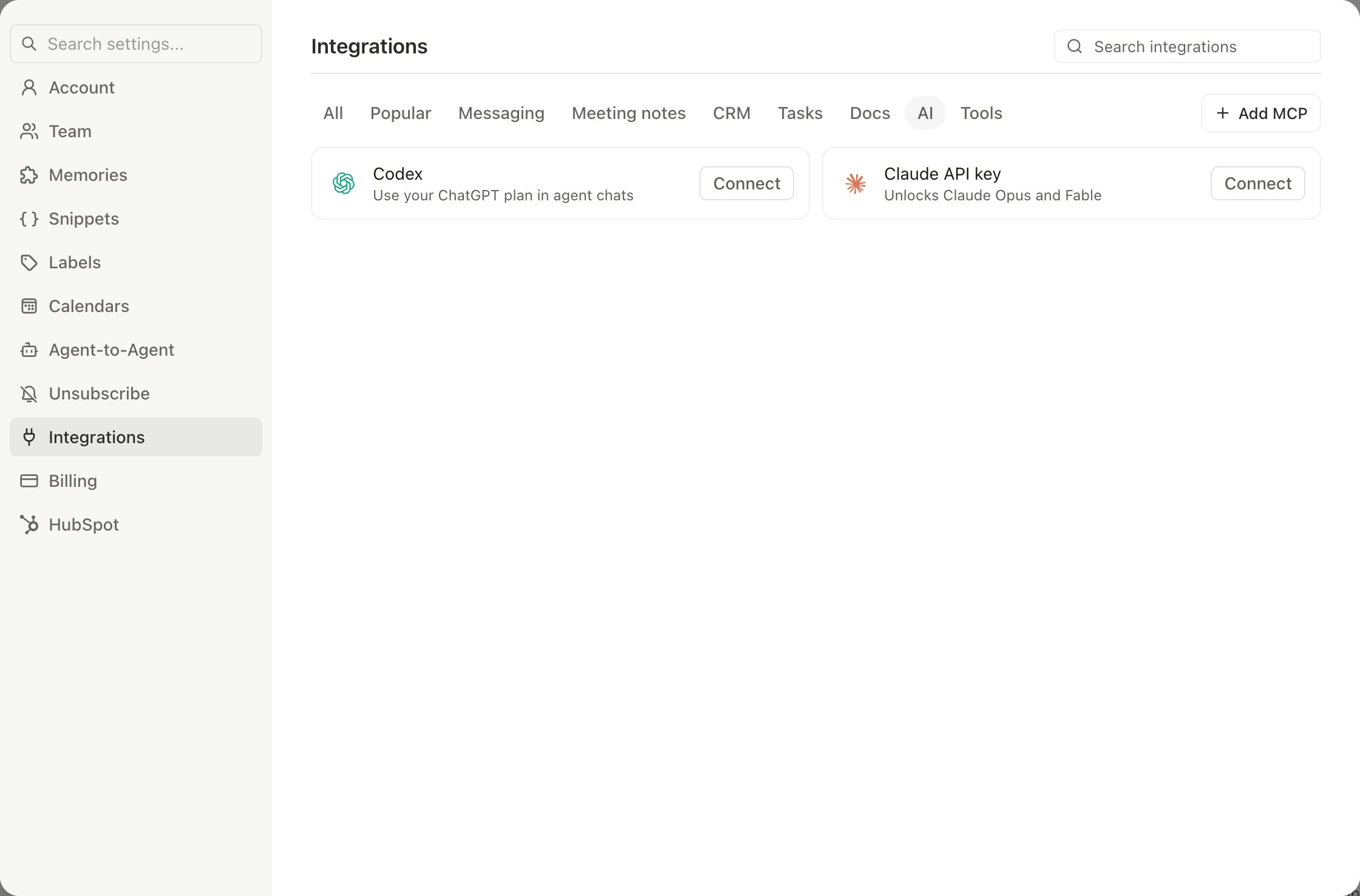
Codex powers the AI agent chat on web and iMessage. Automations and AI drafts continue to run on Slashy’s own models.
Choose a Codex model
Open the model picker at the bottom of the agent chat and pick one of the Codex models. Your next messages in that conversation run on your connected ChatGPT subscription instead of a Claude model.- Astra, listed only when your ChatGPT plan includes it
- Sol
- Terra
- Luna
Set the reasoning effort
Hover a Codex model in the picker to open its reasoning menu, then choose how much effort it spends before answering:- Low
- Medium
- High
- Extra High
- Max
Fast mode
When a Codex model is selected, a lightning-bolt toggle appears next to the model picker. It works with every Codex model. Turning it on switches to a faster response tier that uses more of your Codex usage per message, about 1.5x faster at roughly 2.5x the usage cost. Toggle it off to return to standard speed.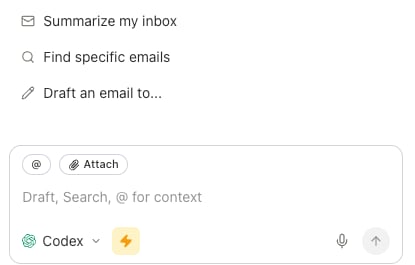
If you hit your Codex limit
When your ChatGPT plan’s usage limit is reached, Slashy tells you and keeps the conversation going on your normal Slashy model:- The picker chip changes to Limit reached, and the Codex rows dim and show when they reset, for example “Resets 4:27 PM”.
- The Codex card in Settings, Integrations reads “Limit reached. Slashy is using your normal model until” the reset time.
Disconnecting
In Settings → Integrations, click Disconnect next to Codex. Slashy stops using your ChatGPT subscription for agent chats immediately; your other AI features are unaffected.AI models in Slashy
The model picker and bringing your own Anthropic key.
Sidebar Agent & Command Palette
Chat with the agent and run commands.
Agent autonomy
What the agent can and cannot do on its own.
Voice
Talk to the agent instead of typing.