

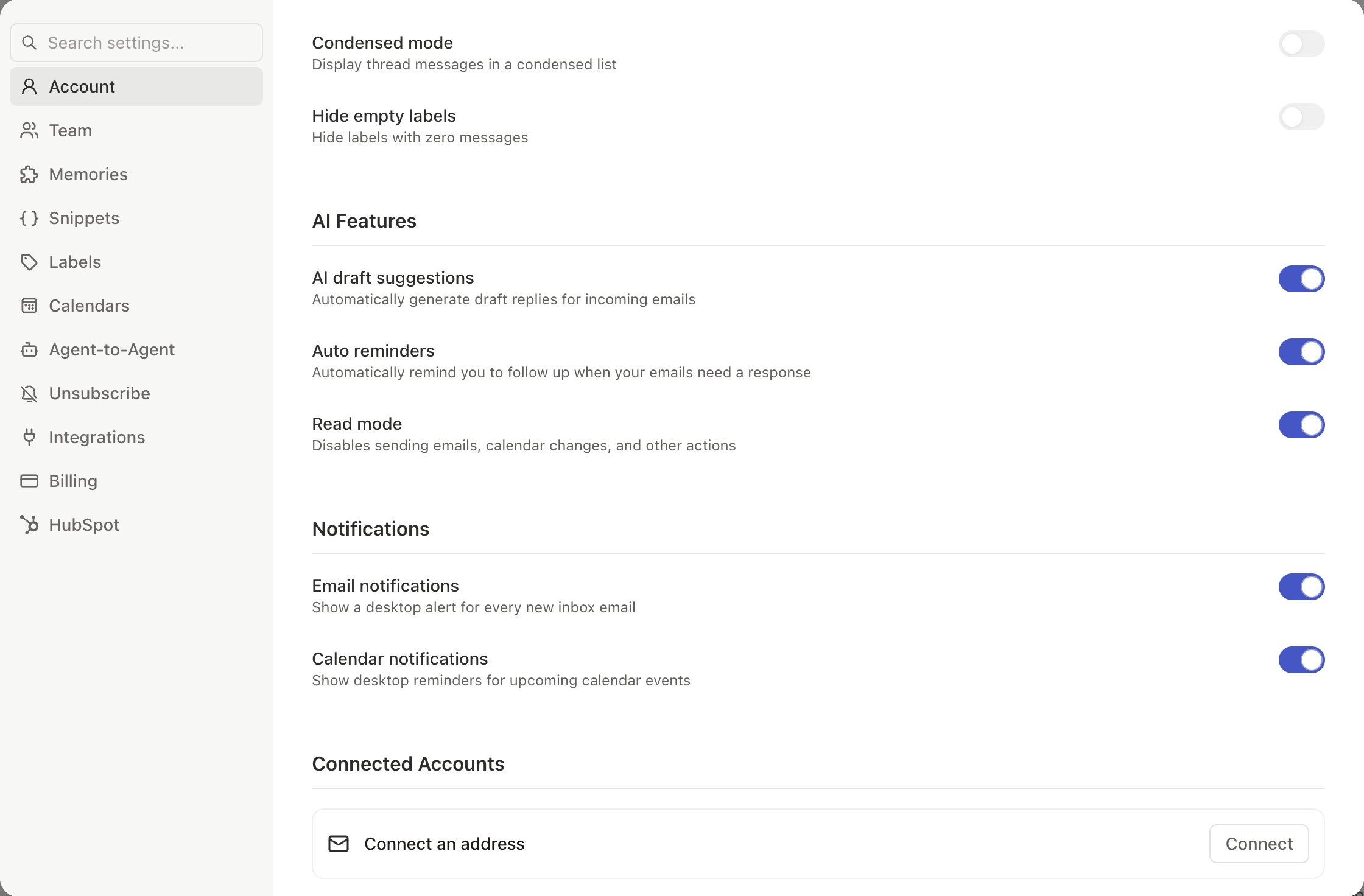
Pause the AI Agent (Read Mode)
Toggle Read Mode in Settings > Account. The agent can still search, read, and draft for your review, but cannot send emails, archive, modify labels, or create events. Action-taking automations pause; read-only automations (like dropped ball scanner) continue. Toggle Read Mode off to resume full functionality.What Read Mode Preserves vs. Stops
Sign Out of Slashy
Click the sign-out icon beside your name at the top of Settings > Account. Slashy asks Sign out of Slashy? before it does anything, because signing out ends your session for your whole Slashy account, not just one inbox. Your connected inboxes and data stay in place, and signing back in restores them. To remove one inbox and stay signed in, cancel the dialog and use Disconnect under Connected Accounts instead.Disconnect an Inbox
1
Open Settings
Settings > Account > Connected Accounts.
2
Disconnect
Click Disconnect next to the inbox.
Reconnect After Disconnect
Go to Settings > Account > Connected Accounts, click Connect, choose Connect Gmail or Connect Outlook, and sign in with the same Google or Microsoft account. Slashy re-syncs your history (2-15 minutes). Previous labels, memories, and automations may still be available.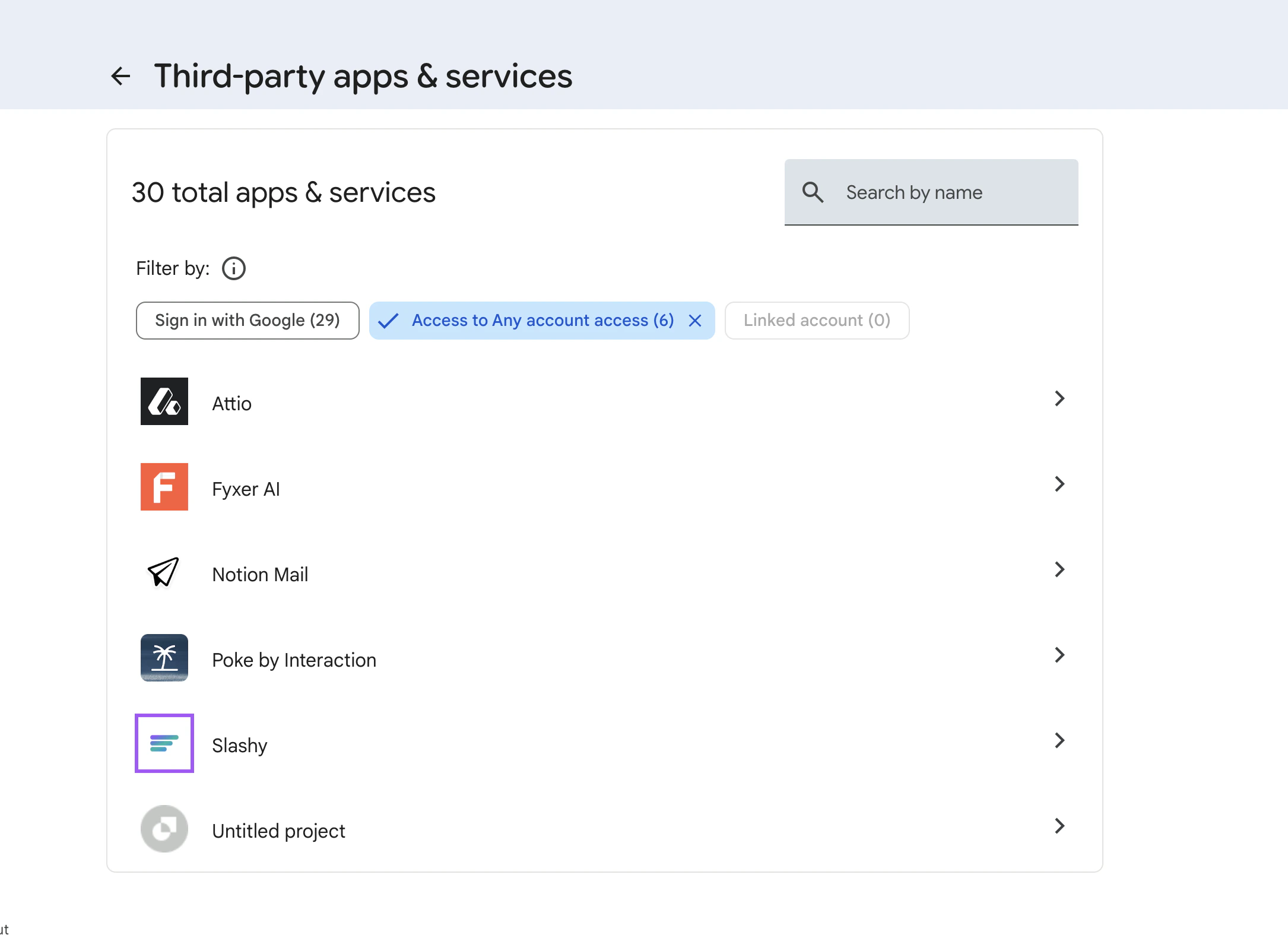
Revoke Access via Google
For maximum certainty, revoke from Google’s side:- Go to myaccount.google.com/permissions
- Find Slashy and click Remove Access
- This immediately revokes the OAuth token
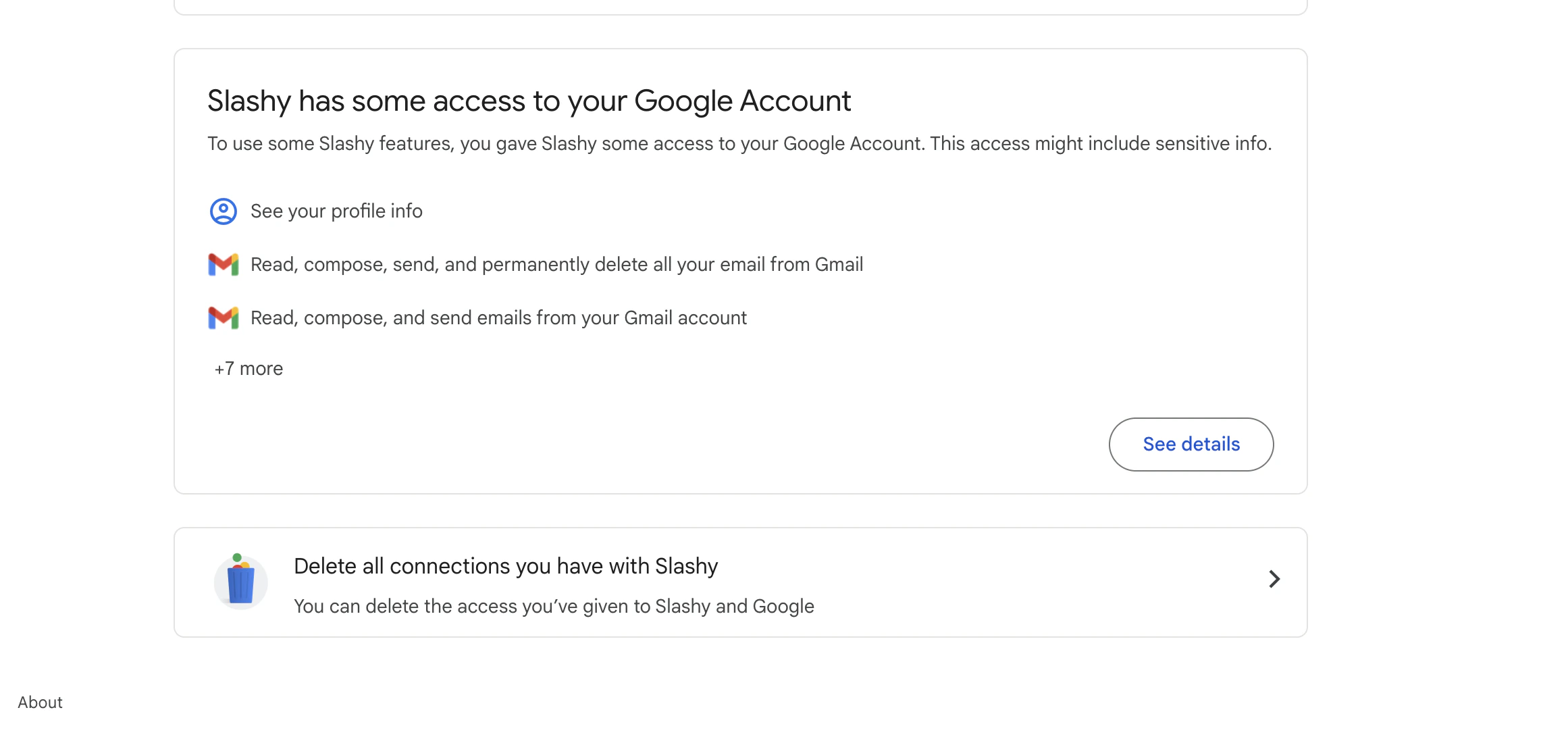
What Happens to Your Data
Delete Your Account
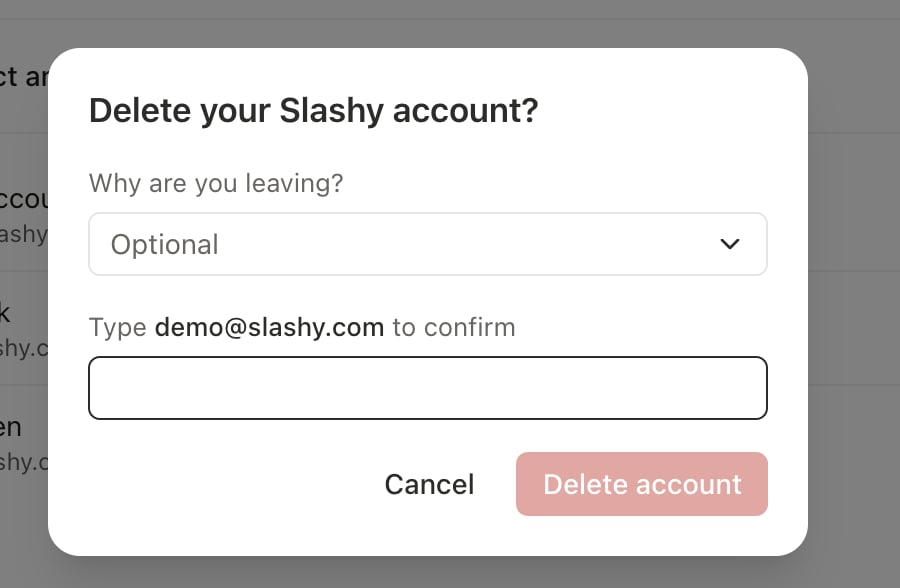
On web, desktop, and mobile, go to Settings > Account > Delete Account and click Delete. You can also openslashy.com/settings/account/delete-account directly.
1
Tell us why (optional)
Choose a reason from Why are you leaving?. You can skip it, and it never blocks deletion.
2
Confirm
Type your account email address to confirm, then click Delete account.
Choosing the Right Option
Taking a break for a few days?
Taking a break for a few days?
Use Read Mode. Everything stays configured. Toggle it back off when you return and pick up exactly where you left off.
Switching email clients temporarily?
Switching email clients temporarily?
Disconnect the inbox. Your Gmail continues working normally in any other client. Reconnect later and Slashy re-syncs within minutes, with your memories and automations intact.
Removing Slashy completely?
Removing Slashy completely?
Revoke via Google for immediate access cutoff, then delete your account from Settings > Account. This removes all Slashy data permanently.
FAQ
Common questions answered.
Sync Issues
Troubleshoot email and calendar sync.