

How It Works (OAuth 2.0)
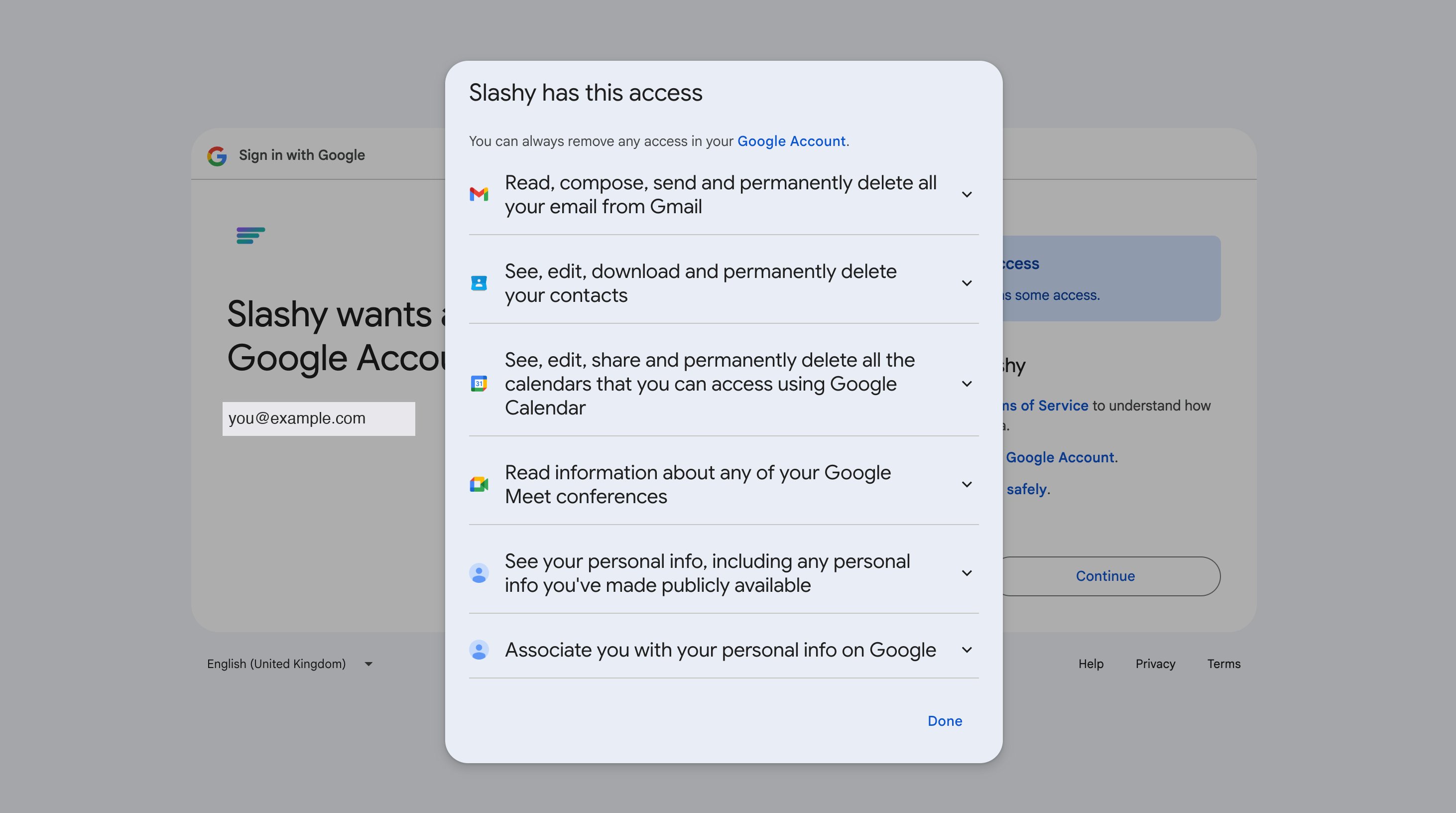
Slashy uses OAuth 2.0 — the same standard used by Slack, Notion, Zoom, and other connected apps.- Slashy never sees your Google password. You sign in on Google’s login page. Google gives Slashy a scoped token.
- Revoke anytime. Delete the token from your Google account settings to instantly cut off access.
- Tokens auto-expire. Even if intercepted, tokens stop working within an hour.
Permissions Requested
Slashy does not request access to Google Photos or any other Google service beyond what’s listed here. Google Drive, Docs, and Sheets are separate, optional integrations you turn on individually in Settings > Integrations (under the Docs filter) — connecting Gmail alone doesn’t grant them. See Google Docs, Sheets & Drive.
What Slashy Cannot Do
- Access your Google password
- Touch Drive, Docs, or Sheets unless you separately connect them in Settings
- Send email without your action (every send is composed, accepted, or triggered by you)
- Permanently delete email (requires a separate permission Slashy does not request)
- Share your data with third parties or use it for advertising
Google Workspace vs. Personal Gmail
Using a Microsoft account instead? See Connecting Outlook.
CASA Tier 2 Compliance
Slashy has completed Google’s CASA Tier 2 security audit, the same tier required of other Gmail clients. An independent assessor reviewed code, infrastructure, and data handling. Verified apps show a badge on the OAuth consent screen instead of “Google hasn’t verified this app.”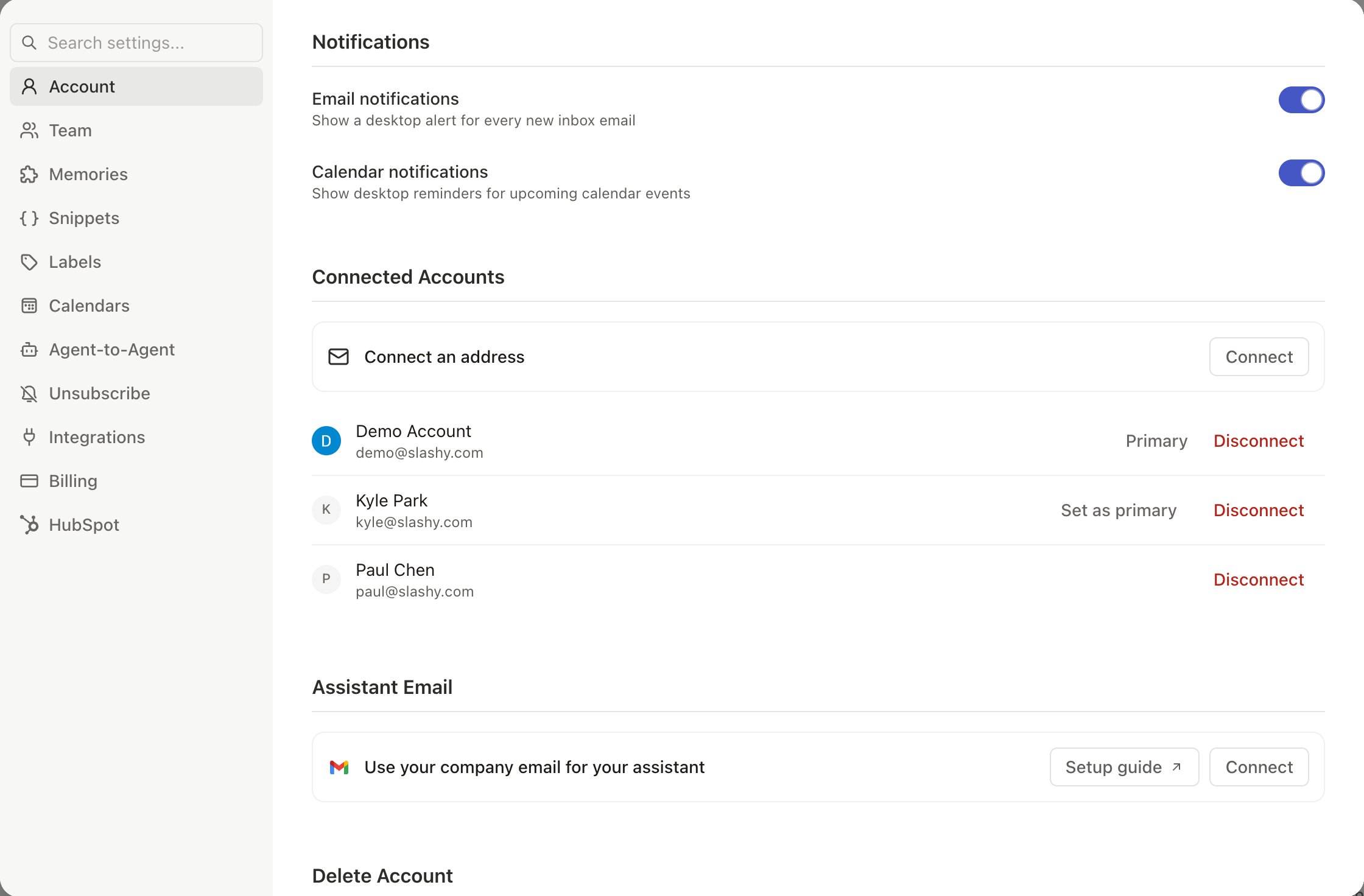
Verify Your Sync
1
Check inbox
Open Slashy and look for recent messages. They should appear within minutes of connecting.
2
Check status
Go to Settings > Account (
Cmd+,). Your account shows a green status indicator when sync is healthy.3
Test outbound
Send a test email from Slashy to confirm sending works.
4
Check calendar
Press
2 for Calendar view. Events should appear from all connected calendars.Large inboxes (50,000+ emails) can take up to an hour for initial sync. New emails arrive in real-time during this process.
Revoke Access
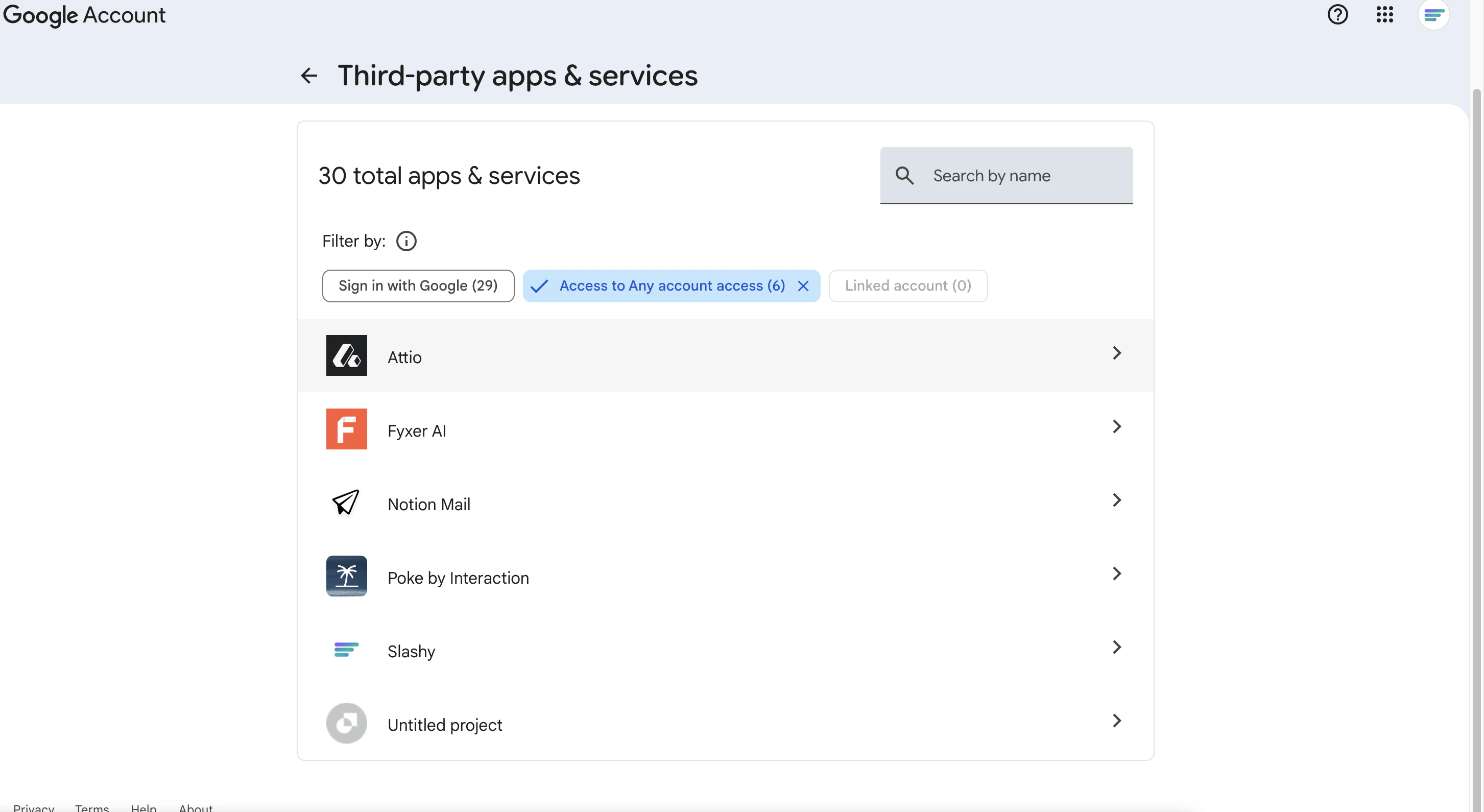
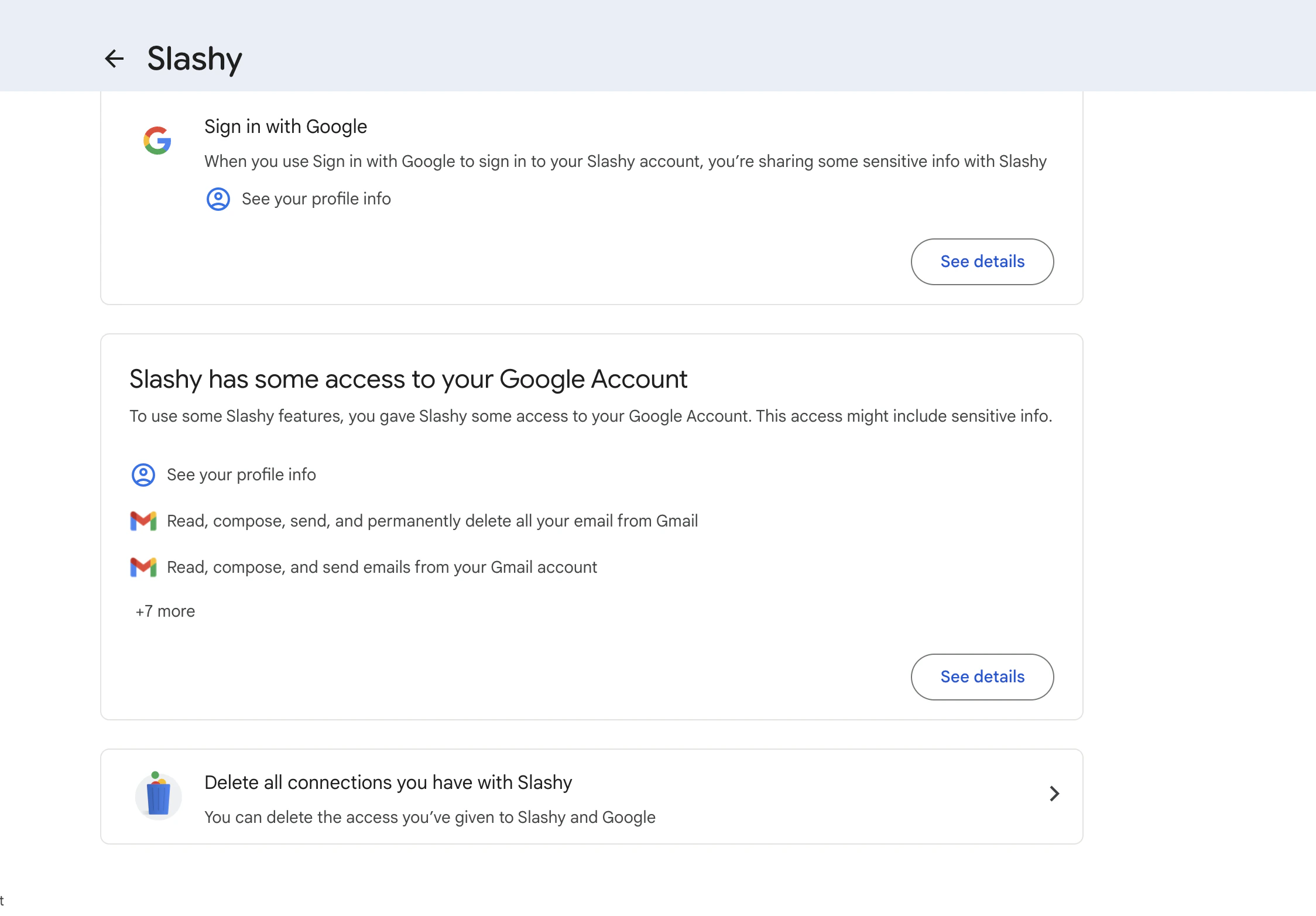
From Slashy: Settings > Account > Connected Accounts > remove the account. From Google: Go to myaccount.google.com/permissions, find Slashy, click Remove Access. Tokens are invalidated immediately.Common Questions
Does Slashy store my emails on its servers?
Does Slashy store my emails on its servers?
Slashy caches email metadata and content for display and AI processing. Content is processed by Anthropic’s Claude models. All cached data is encrypted at rest and in transit. Revoking access deletes cached data.
Can Slashy read my emails when I'm not using the app?
Can Slashy read my emails when I'm not using the app?
Yes — background access powers automations and real-time sync. This is the same model every email client with push notifications uses. Revoking access stops all background processing immediately.
Is my email data used to train AI models?
Is my email data used to train AI models?
No. Your data powers your personal AI features only. Anthropic’s API policy explicitly prohibits using API inputs for model training.
What happens if Slashy is breached?
What happens if Slashy is breached?
OAuth tokens are stored in encrypted server-side storage. Tokens can be mass-revoked by Google, and you can individually revoke at myaccount.google.com/permissions. Slashy never has your password, so a breach cannot compromise your Google credentials.
I see "Google hasn't verified this app" -- is something wrong?
I see "Google hasn't verified this app" -- is something wrong?
The production version of Slashy is verified and CASA Tier 2 compliant. If you see this on the main app, contact support@slashy.com.
Related Articles
Your First Week
Day-by-day guide to getting up and running.
Security & Privacy
Certifications, encryption, and data handling.
Does Slashy change my Gmail?
How two-way sync works and what stays untouched.
Calendar Setup
Sync your calendar after connecting Gmail.
Multiple Accounts
Add and manage multiple Gmail accounts.
Assistant email on your domain
Have your assistant email from your company address