

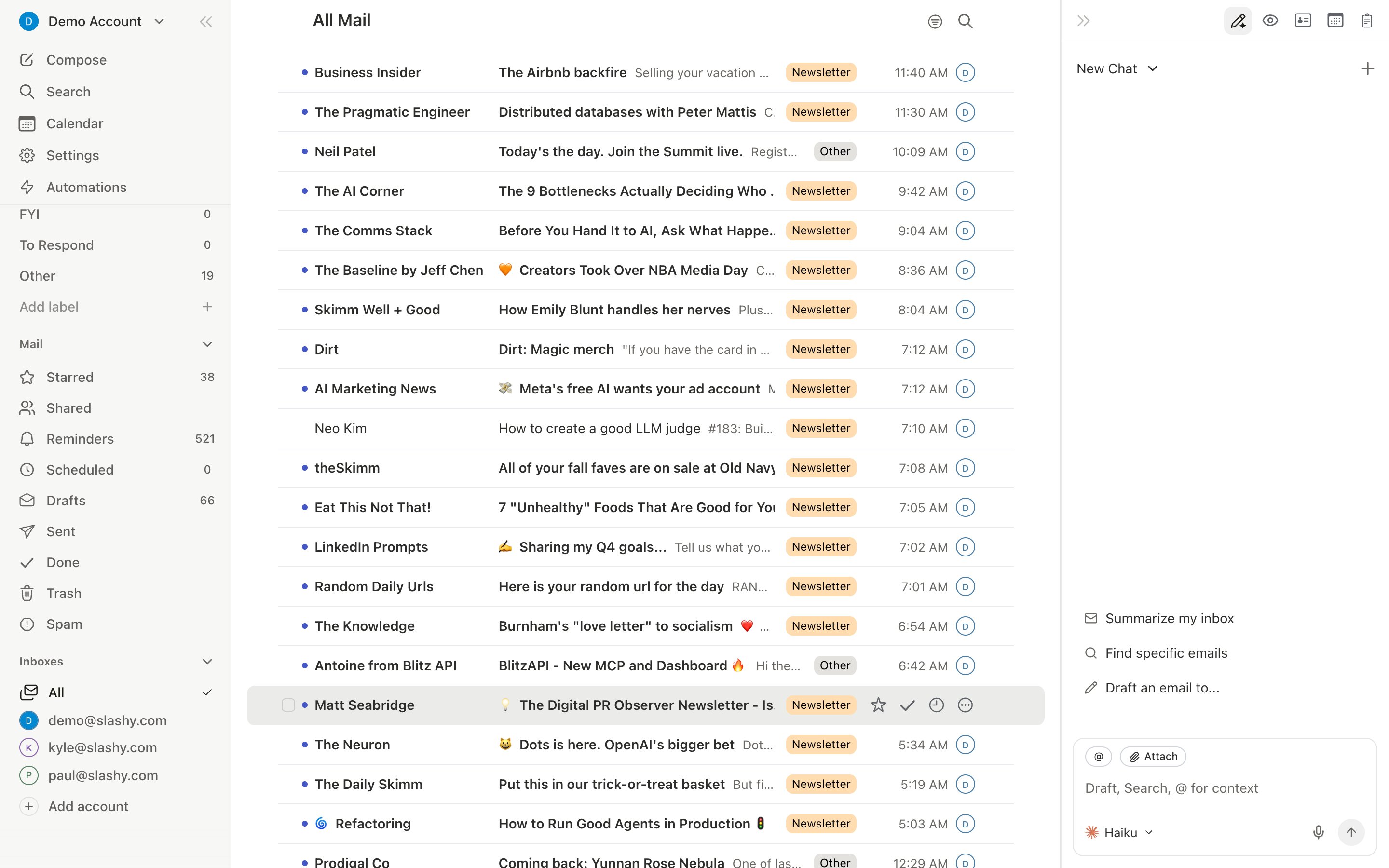
Everything stays in sync, both ways
Slashy reads your live Gmail and writes changes straight back to it:- Archive, star, or mark a thread Done in Slashy and it updates in Gmail.
- Send from Slashy and the message lands in your Gmail Sent folder.
- Read an email in Gmail on your phone and it shows as read in Slashy.
Importance labels (Important, Newsletter, Billing, and so on) are Slashy’s own organizing layer on top of your inbox, not real Gmail labels. Applying one in Slashy sorts what you already have but doesn’t create or change anything in Gmail. Drafts don’t sync continuously either: Gmail drafts import once when you connect, and after that a draft stays in whichever client you started it in.
Gmail labels you add from Slashy
Gmail labels work differently from importance labels. When you add, remove, or create a Gmail label from Slashy’s Gmail label menu (Cmd+K, then Set Gmail label), the change is written to Gmail and shows up there right away. Picking a Gmail label from the V menu does the same and also takes the email out of your Inbox, like Gmail’s Move to. Turning a Gmail label into an inbox tab in Settings > Labels only changes what Slashy shows; it does not touch the label in Gmail. See Labels and AI classification.
Slashy does not delete your mail
Slashy never permanently deletes email on its own. Trashing a thread moves it to your Gmail Trash, exactly as it would if you did it in Gmail, where it stays recoverable for 30 days. You can restore archived mail any time. See Restoring archived emails.Your filters and history are safe
Connecting Slashy does not touch your existing Gmail filters, your folder and label structure, or your message history. Slashy works alongside them. Importance labels never appear in Gmail, and the only labels Slashy changes are the Gmail labels you add or remove yourself.Disconnecting changes nothing
If you ever disconnect, your Gmail is left exactly as it is. Slashy simply stops syncing. See Disconnect, pause, or reconnect.Connecting Gmail
What access Slashy asks for and why.
Security and privacy
What Slashy can and cannot do.
Disconnect or pause
Step away without losing anything.
Restoring archived emails
Bring anything back.
Labels and AI classification
Importance labels and Gmail label tabs.