

No Training on Your Data
Your emails, calendar events, contacts, and agent conversations are never used to train any AI model — not ours, not our providers’. This is a contractual guarantee in Slashy’s Data Processing Agreement.AI Providers and Retention
All providers are accessed via enterprise/API tiers with stricter data handling than consumer products.
What Data Is Sent
Slashy sends the minimum data necessary per request:- AI Draft Reply: The thread you’re replying to + relevant memories
- Importance Labels: Subject, sender, content summary
- Agent Sidebar: Your question + relevant email content + memories
- Automations: Trigger condition + matched email content
Slashy does not send your entire inbox to AI providers. Only specific content relevant to the feature you’re using is transmitted.
Prompt Injection Protection
Multiple layers protect against malicious email content trying to manipulate the AI:- Input sanitization — known injection patterns detected and neutralized
- Content boundaries — email text treated as untrusted data, not instructions
- Writing style matching — agent defaults to your established patterns if manipulation is detected
- Relationship context — requests from strangers get more scrutiny
Agent Read Mode
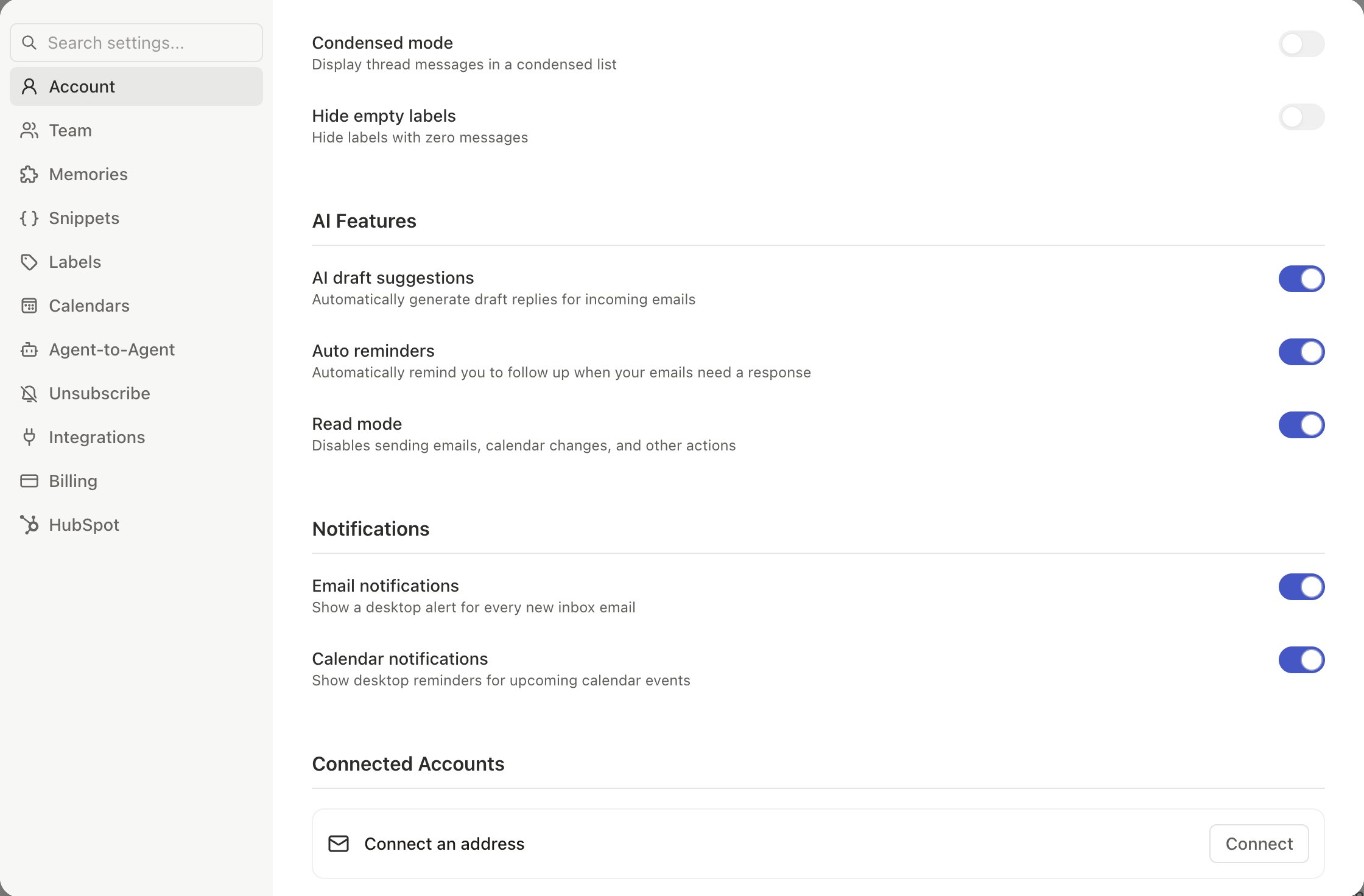
Toggle in Settings > Account:- Read Mode ON: Agent can read, search, and answer questions but cannot send emails, create events, or modify your inbox
- Read Mode OFF (default): Full capabilities — the agent always asks confirmation before significant actions
Your Controls
- Choose AI model — Haiku (fast), Sonnet (balanced), Opus (most capable)
- Manage memories — View, edit, delete in Settings > Memories
- Disable AI features — Use Slashy as a fast email client without AI
- Delete your data — Email privacy@slashy.com for full account deletion
Common AI Privacy Questions
Can the AI accidentally send an email without my approval?
Can the AI accidentally send an email without my approval?
No. The agent always drafts emails for your review. It cannot send, delete, or modify emails without your explicit confirmation. Toggle on Read Mode in Settings for an extra layer of protection.
What if I use Bring Your Own Key (BYOK)?
What if I use Bring Your Own Key (BYOK)?
When you use your own API keys, requests go directly to the AI provider under your own account and usage terms. Slashy does not proxy or log the content of BYOK requests.
Related Articles
Security & Privacy
Certifications, encryption, and compliance
Data Storage
What Slashy stores and how to control it
Subprocessors
Full list of infrastructure providers
Customize Your Agent
Control your agent’s writing style and autonomy
Your year in email
What is and isn’t included when you share your graph