

Alt+0 to open All, and the open threads from every account sit in one date-ordered list with no manual notes.
Connect every inbox
1
Add each account
Press
Cmd+,, open Account, and under Connected Accounts click Connect, then choose Connect Gmail or Connect Outlook.2
Open the All view
Press
Alt+0. Each thread row shows a small badge for the inbox that received it. Hover the badge to see the full address.3
Filter to what's open
Press
Shift+R to show threads waiting on a reply to your last message. Press Shift+M to show only what’s assigned to you.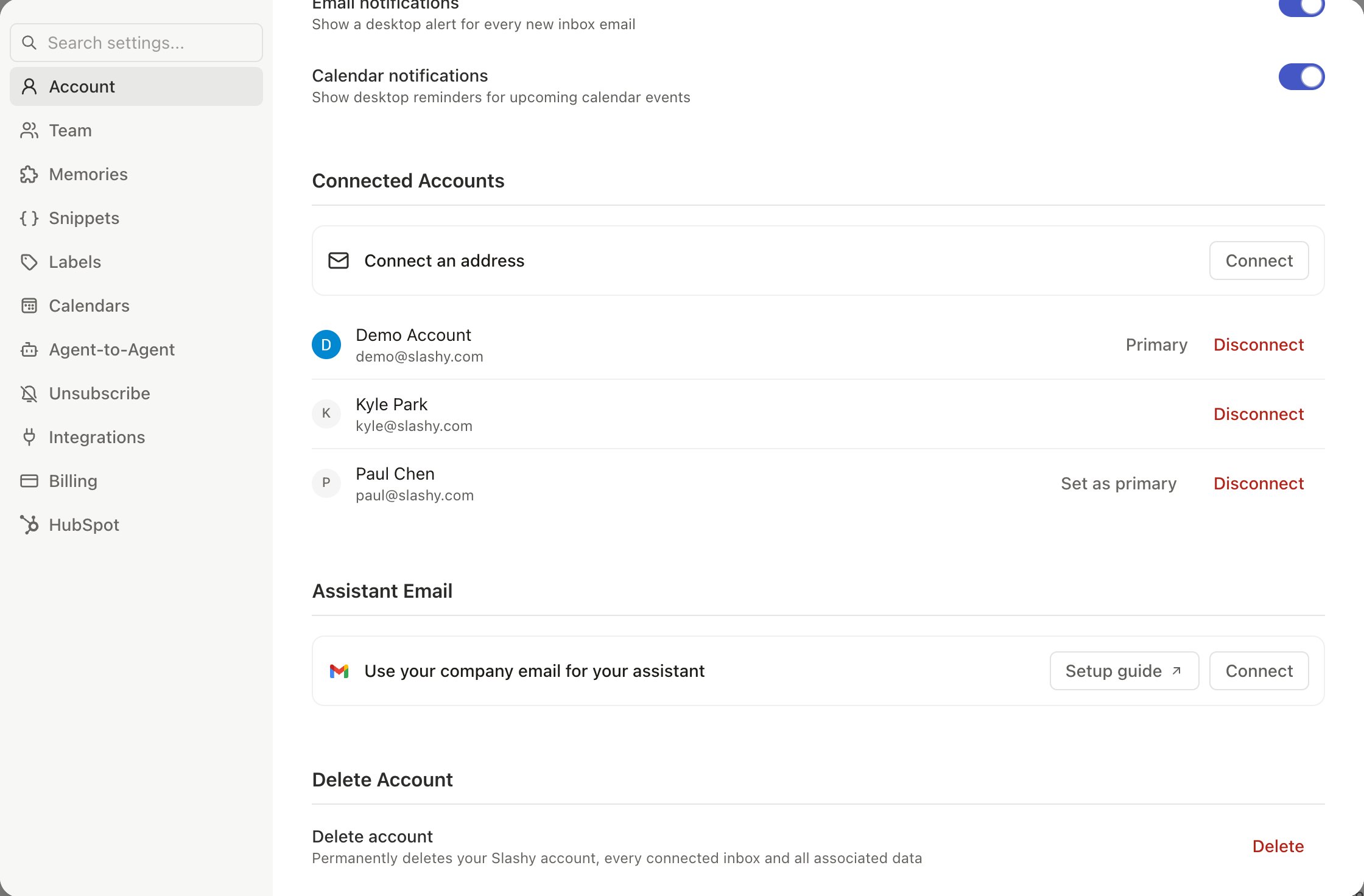
Mark what is still open
Presst on a thread to mark it Needs reply or Follow up. Both stay in your Reminders view (g h) until you finish the thread with e. Press p to set High, Medium, or Low priority. Press h for a reminder, so a thread returns to your inbox when you choose.
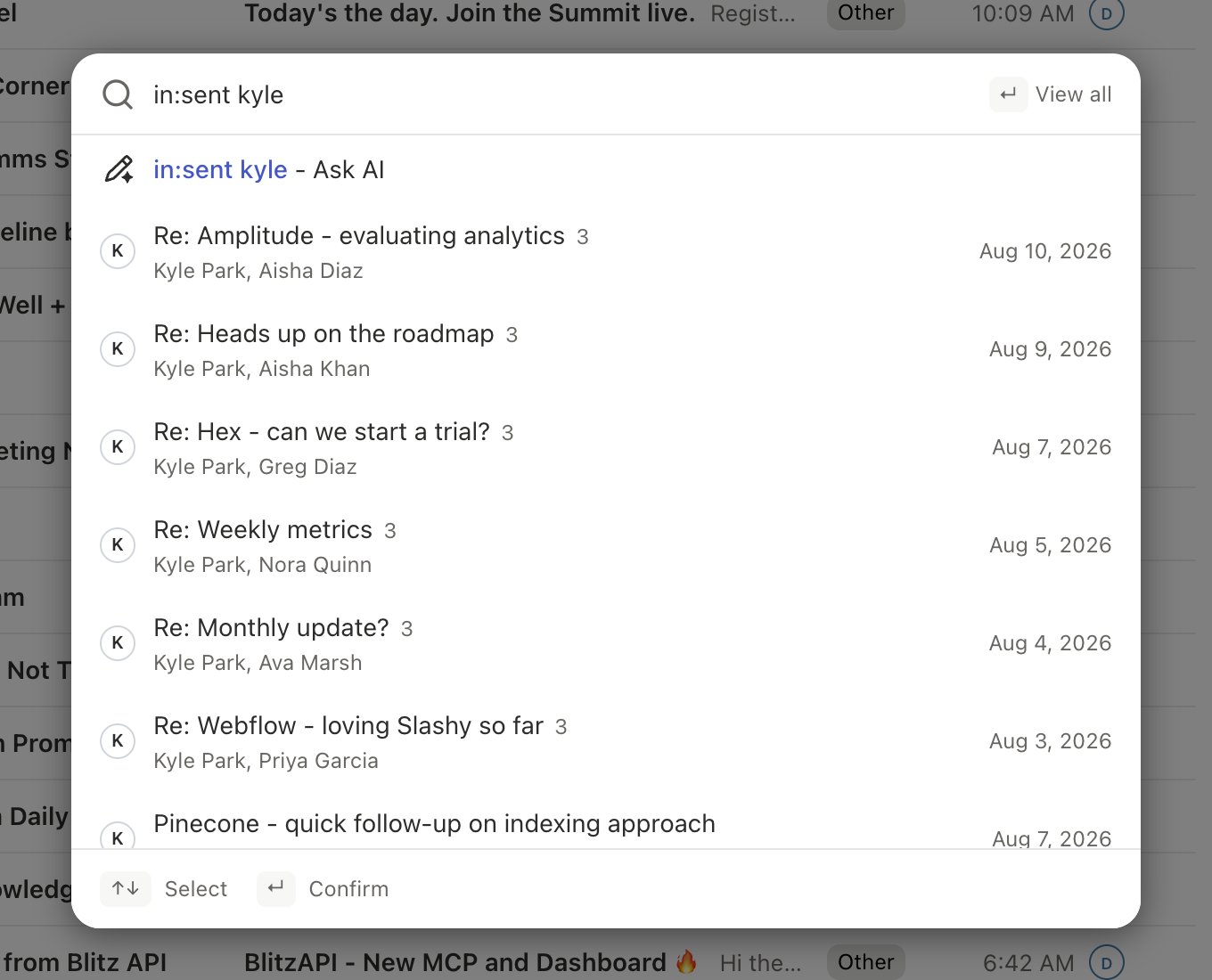
Your importance labels are shared across every connected account, so one set of labels sorts all of your mail. Search also covers all accounts at once in the All view. See Find important emails.
Track team conversations
For shared work, assign each conversation withi. The Shared view lists team threads sent to you, and Assigned lists the ones you own. Teammates see a green check on the owner’s avatar once a thread is done. See How do I assign emails to teammates.
What this looks like for a team
A founder has a company address, a personal address, and an Outlook account from a client. In the All view, the founder pressesShift+R and sees every thread across the three accounts that is still waiting on someone. Threads that need a teammate get assigned with i. At the end of the day the Reminders view (g h) shows the rest, grouped by due date.
Which account does a reply come from?
Which account does a reply come from?
Replies automatically use the account that received the email. Check the From field on new emails, which default to the account you last viewed.
Can the agent search across all my accounts?
Can the agent search across all my accounts?
Yes. Ask in chat (
d a), for example “Did anyone from Acme email either of my accounts this week?”Do I need manual notes to remember what is open?
Do I need manual notes to remember what is open?
No. Filters, Needs reply, Follow up, and reminders keep the list for you.
Manage multiple email accounts
Per-inbox settings and shared behavior.
Inbox views
Views, filters, and multi-inbox switching.
Tasks
Needs reply and Follow up.
Connecting a second account
Add Gmail or Outlook.