

Where to enter a code
During signup, after you finish connecting your email account, you reach the plan step. The plan step has a field labelled Invite code right above the payment form. Paste the code there and submit.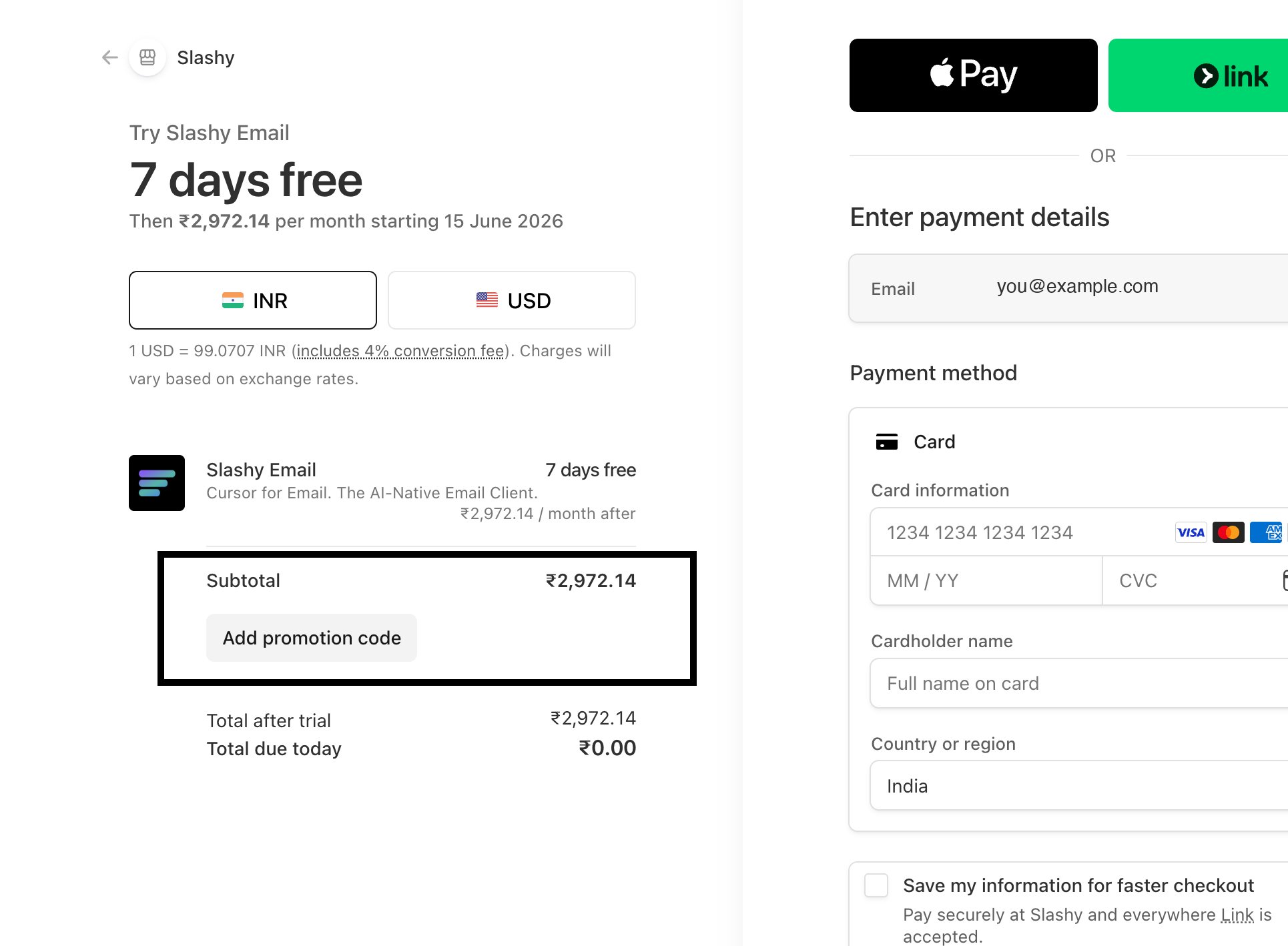
1
Get to the plan step
Finish account connection during signup until you see the plan and payment screen.
2
Paste your code
Drop the invite code into the Invite code field.
3
Apply
Click Apply. If the code is valid, the payment form is replaced with a confirmation.
4
Continue
Finish signup and Slashy opens with full access.
What an invite code does
A code bypasses the payment step at signup. You get full access to Slashy without a card on file for the window the code allows. After that window, you add a card to keep using Slashy, the same way you would after a regular trial ends. Codes are valid for a limited time and number of uses set by the person who shared it. Once a code reaches either limit, it stops working for new signups.If redemption fails
A few reasons a code might not apply:The code is expired or fully redeemed
The code is expired or fully redeemed
Codes have a time window and a usage cap. Ask the person who shared the code whether either limit has been reached, and ask them to issue a new one if needed.
The code is mistyped
The code is mistyped
Codes are case insensitive but otherwise must match exactly. Re-copy from the source instead of retyping.
You already redeemed a code on this account
You already redeemed a code on this account
An account can only redeem a code once. If you are already past signup, the field is no longer shown and the existing plan applies. Reach out to support if a teammate sent you a code for an account you have already started.
If none of the above explains it, contact support with the code and the email you signed up with and we will sort it.
Trial and billing
How the standard trial and Stripe billing work.
Signing in
Get into your Slashy account.
Connecting Gmail
Bring your inbox into Slashy.
Your first week
A walkthrough of the trial period.
Referring friends
Share your personal link instead of a shared code.