

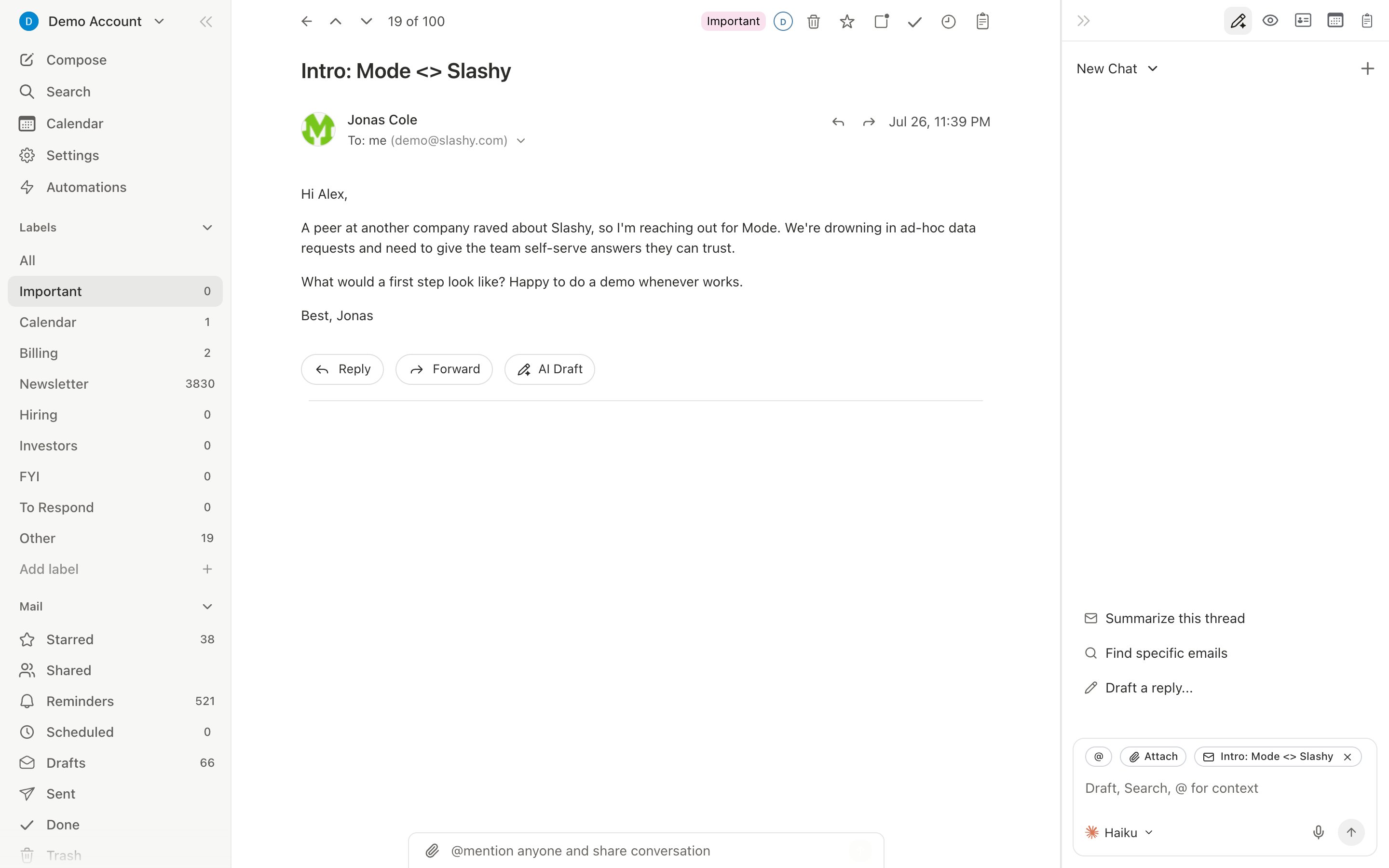
The shift
A chatbot in another tab can answer questions, but it cannot see your inbox, act on a thread, or remember how you write. Slashy lives inside your email and does.What you actually get
- Triage that happens before you arrive. Importance labels classify your inbox so the first thing you see is what needs you.
- Drafts in your voice. Slashy learns how you write and drafts replies you can send with one keystroke.
- Automations you describe in plain English. “Draft a reply when a customer asks about pricing.” See 10 automations to start with.
- A follow-up safety net. Slashy tracks opens and reminds you to never miss a follow-up.
- CRM context where you read mail. HubSpot, Attio, and Salesforce records in the sidebar.
- The same agent everywhere. The iMessage and Slack agents give you Slashy from your phone or your team chat.
You keep Gmail
None of this replaces Gmail or Outlook. Slashy syncs with your existing account both ways and changes nothing about your mail itself. See Does Slashy change my Gmail?.Your first week
The fastest path to value.
The Slashy method
How power users run their inbox.
Importance labels
Let AI triage your inbox.
10 automations
Put the busywork on autopilot.