

Setting Writing Memories
Open the agent sidebar (d a) and tell it your preferences:
- “Remember: I write short, direct emails. Never use ‘I hope this finds you well.’ Keep it under 3 sentences.”
- “Remember: I sign off with just my first name, no ‘Best’ or ‘Regards.’”
- “Remember: formal tone for investors, casual for my team.”
- “Remember: never use exclamation marks.”
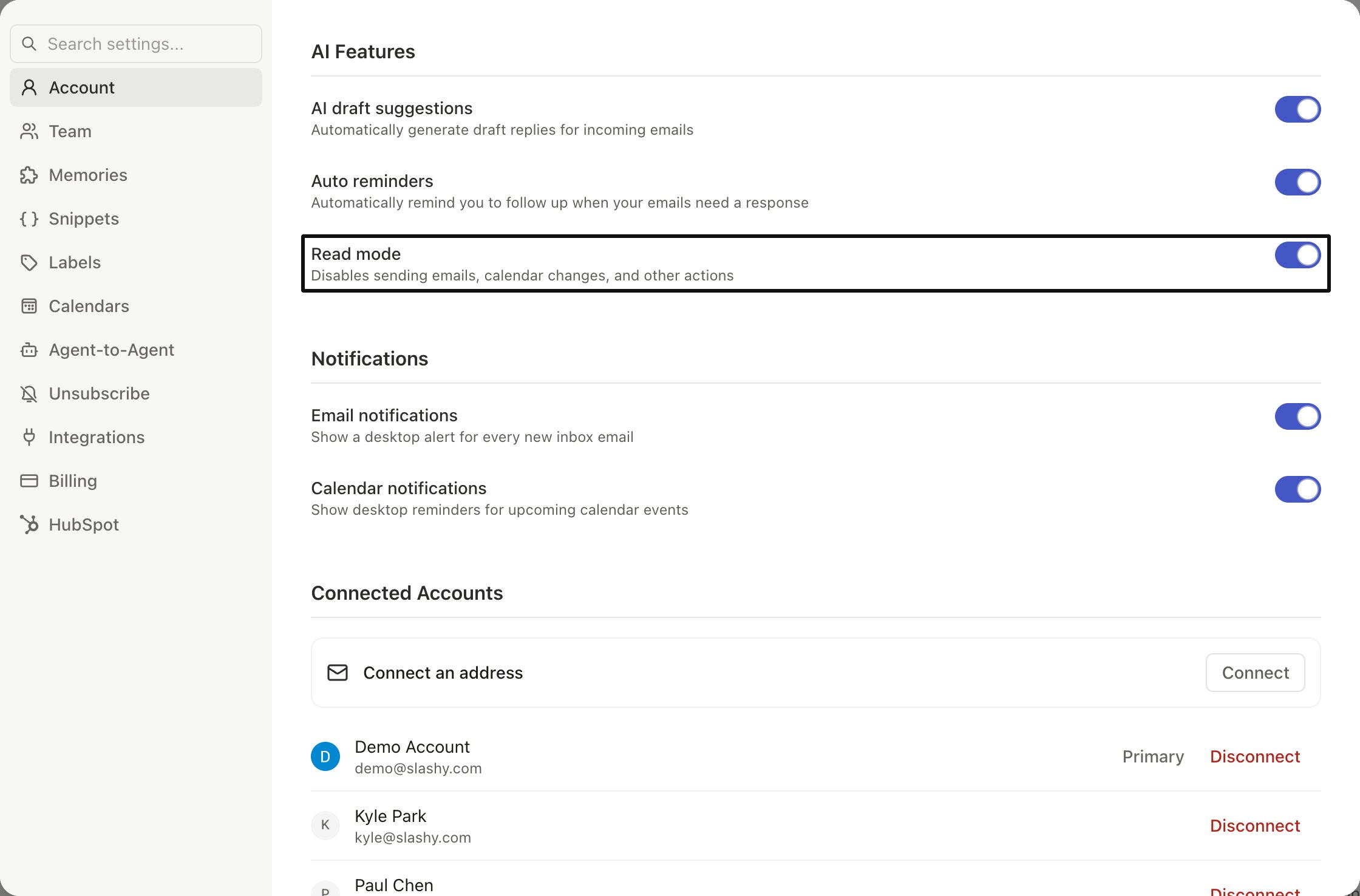
Cmd+,).
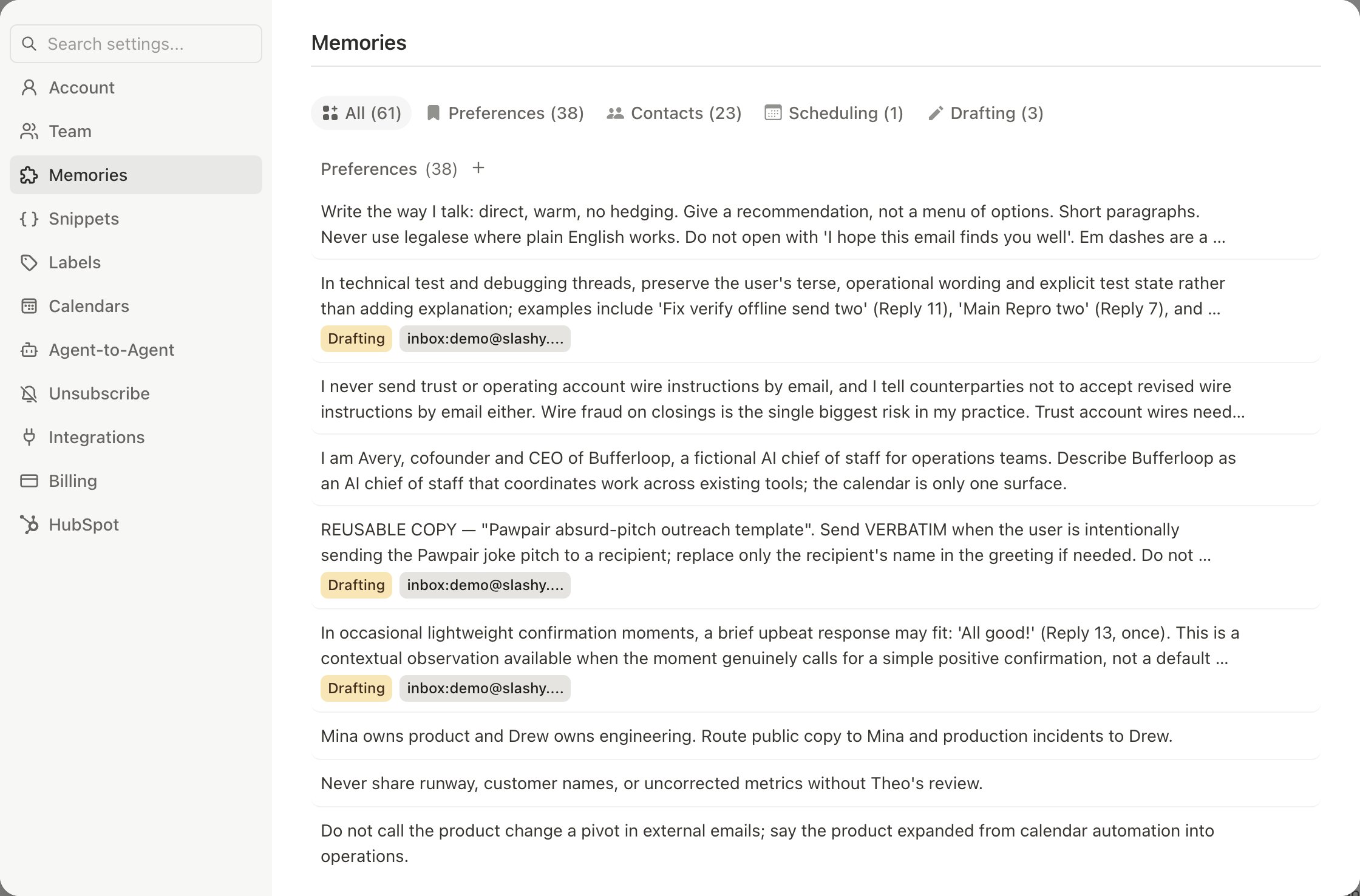
Memory Types
The agent retrieves the right memories based on context automatically.
Persona Detection
During setup, Slashy analyzes your sent emails to detect your persona, greeting style, and signature. Edit these anytime in Settings > Account.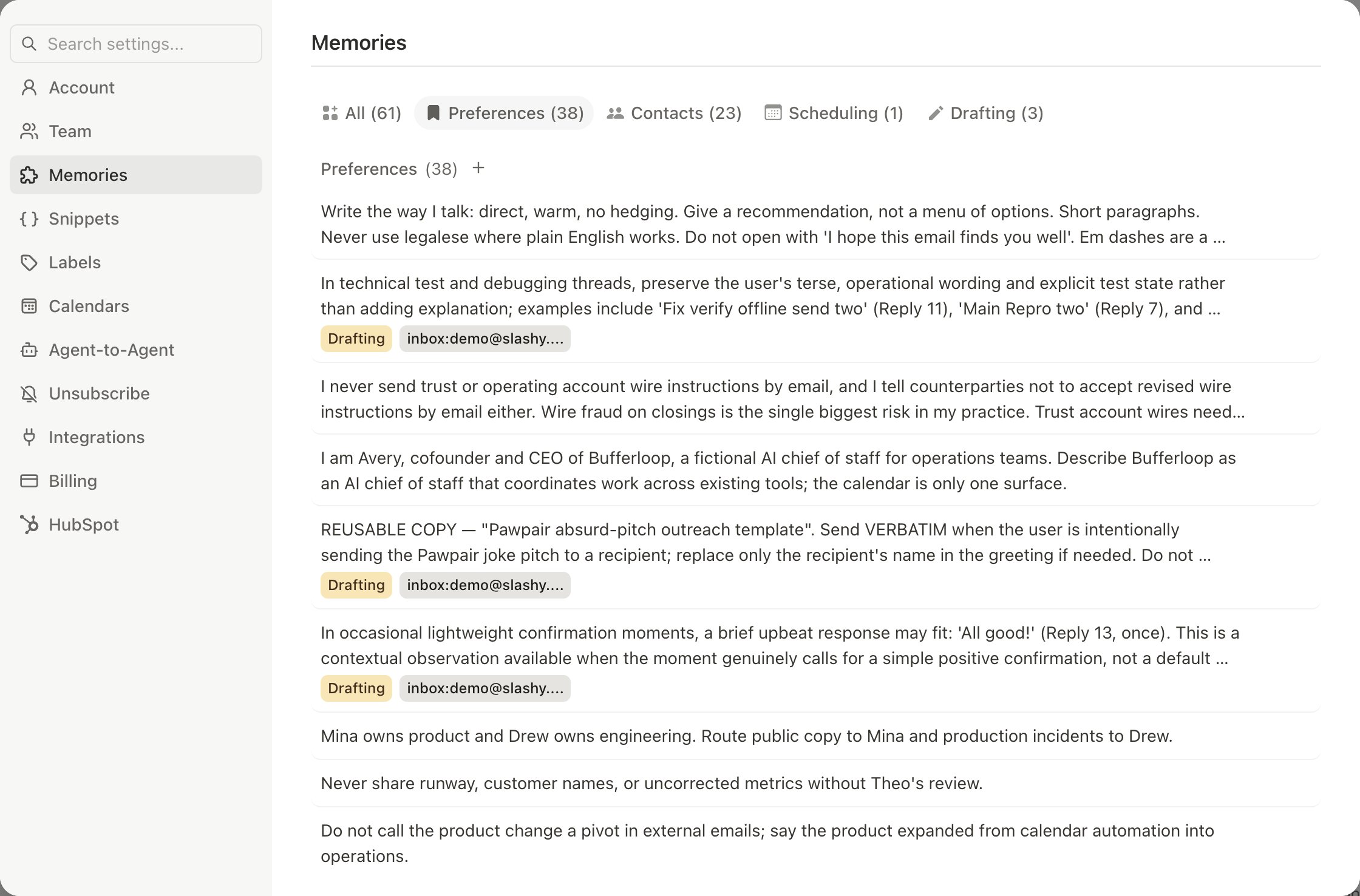
Training by Deleting Bad Drafts
Every dismissed draft teaches the agent what not to do. Every edit before sending teaches it what you prefer. The learning is context-specific — editing a sales reply improves sales drafts, not meeting confirmations. First week advice: Actively dismiss bad drafts and edit acceptable ones. Most users see significant improvement within 10-15 interactions.Direct Feedback
Beyond deleting drafts, give feedback through the sidebar:- “That last draft was too formal. I talk to Mike like a friend.”
- “When I reply to support tickets, use bullet points and be concise.”
Per-Contact Preferences
- “Remember: when emailing anyone @bigclient.com, use a formal tone with my full signature.”
- “Remember: Mike prefers short emails. Keep replies under 2 sentences.”
Choosing Your AI Model
Pick the model for agent chat from the picker at the bottom left of the message box. Haiku and Sonnet work on every account. Opus and Fable use your own Anthropic API key. See AI models in Slashy.Bring Your Own API Key
Use Opus and Fable by providing your own Anthropic API key:1
Open Integrations settings
Go to Settings > Integrations (
Cmd+,) and find the Claude API key card (the AI filter narrows the page to it).2
Connect your key
Click Connect, paste your Anthropic API key, and click Connect again.
3
Remove it anytime
Click Disconnect on the same card to remove the key. Opus and Fable are unavailable until you add another.
Related Articles
How AI Drafts Work
Auto-suggestions and learning
AI Memories
How memories power personalization
10 Automations
Set up impactful automations
Signatures
Configure signatures and remove branding
Assistant email on your domain
Have your assistant email from your company address