

Setup
1
Run the add command
In your terminal, run: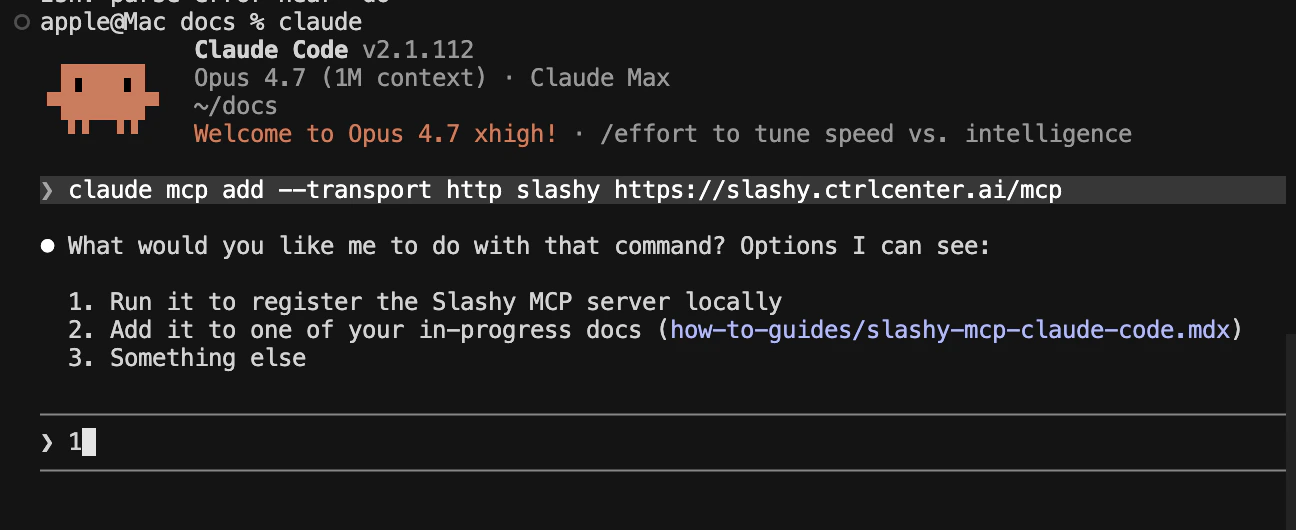
2
Approve OAuth in your browser
Claude Code opens your default browser to the Slashy login page. Sign in with Google and click Allow to grant access.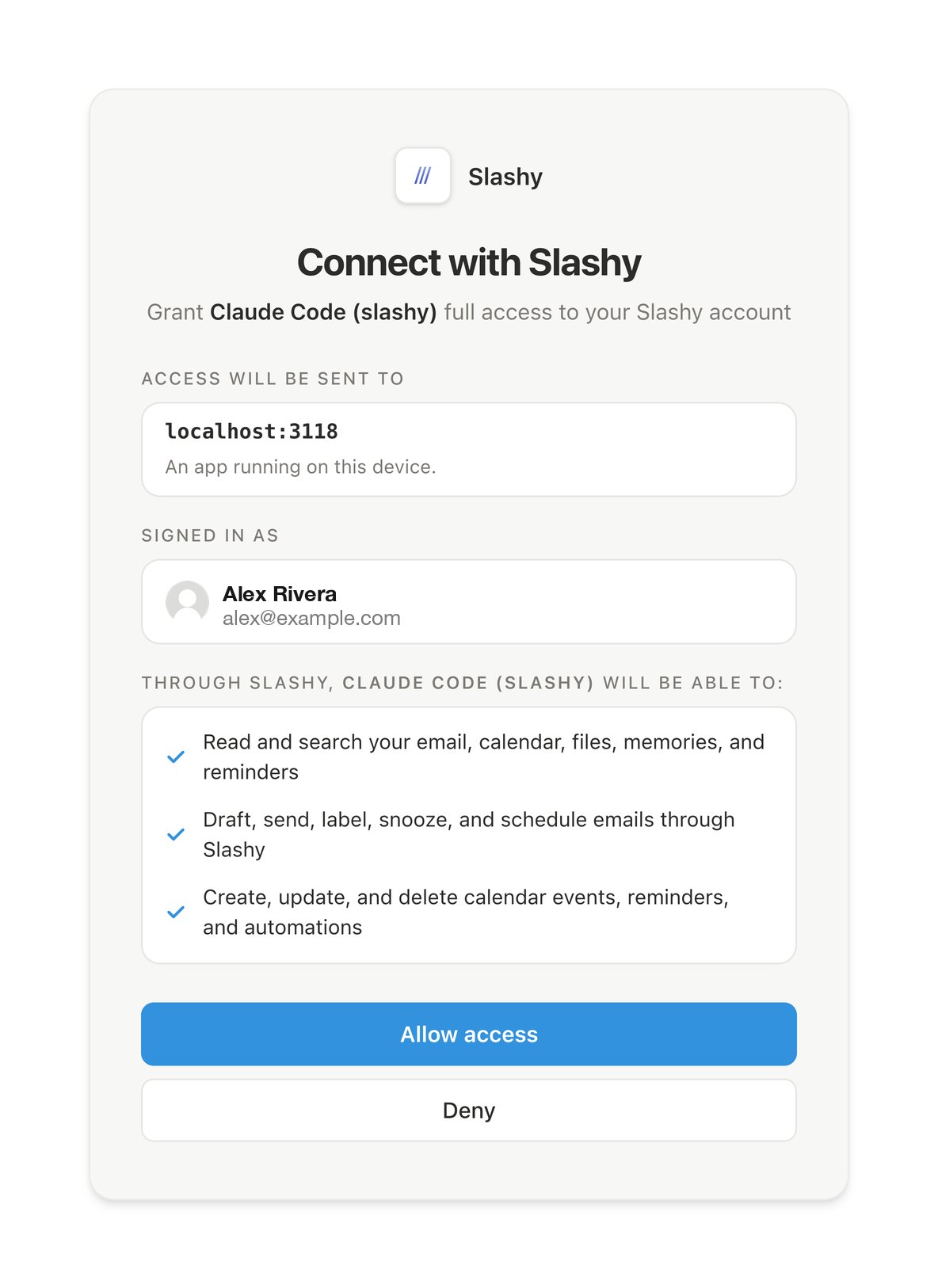
3
Verify the connection
Back in the terminal, run:You should see 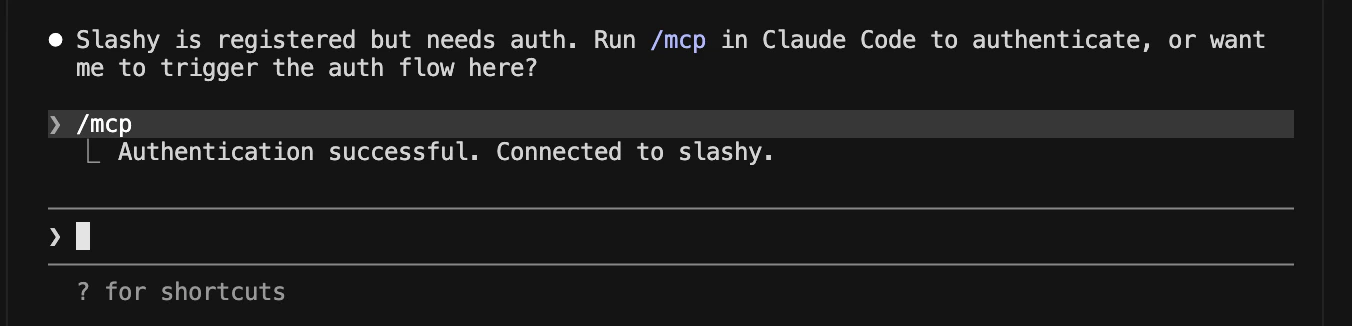
slashy listed as connected.What happens after setup
Claude Code stores a short-lived OAuth token locally. It refreshes automatically. You never see or handle the token.Next steps
Using Slashy MCP
Email prompts for triage, drafting, follow-ups, and scheduling.
Troubleshooting
Fixes for OAuth, missing tools, and wrong accounts.