

Basic Follow-up Setup
1
Open the agent sidebar
Press
Cmd+/.2
Create the automation
Type: “Create an email automation: when I send an email and don’t get a reply within 3 days, draft a polite follow-up for me to review.”
3
Confirm
Review the trigger details. Follow-up drafts appear in your Drafts (
g d).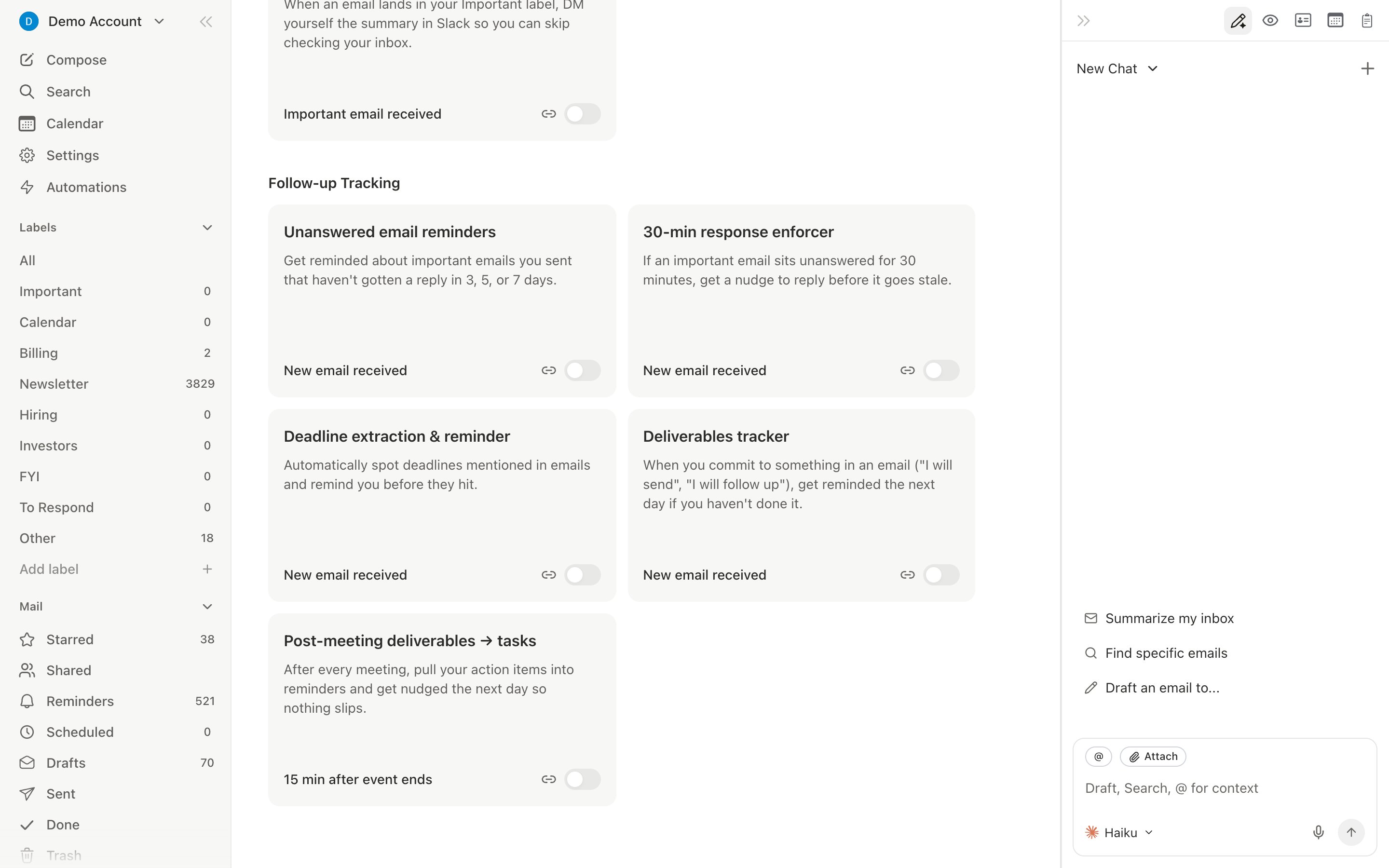
Customize Timing
Different situations need different timing:- “Follow up after 1 day for emails to @bigcustomer.com”
- “Follow up after 5 business days for cold outreach”
- “Follow up after 1 week for investor emails”
Per-Contact Customization
Add contact-specific memories via the contact sidebar (d i):
- “High-value prospect. Follow up within 24 hours. Tone: warm but direct.”
- “Slow responder. Wait 5 days before following up. Keep it brief.”
CRM-Like Labels
Create importance labels that mirror a sales pipeline:- Go to Settings > Labels and create labels like Prospects, Active Deals, Onboarding, Renewals
- Scope automations to specific labels: “When I send to a Prospects thread and don’t get a reply in 2 days, draft a follow-up.”
Combine with Open Tracking
- “When a prospect opens my email but doesn’t reply within 2 days, draft a follow-up.” (highest-signal follow-up)
- “When a prospect hasn’t opened after 3 days, resend with a different subject line.”
Follow-up Sequences
For cold outreach: “Send a follow-up after 3 days. If still no reply after 5 more days, send a second. If still no reply after 7 more days, send a final follow-up and stop.” The agent stops the sequence when the recipient replies.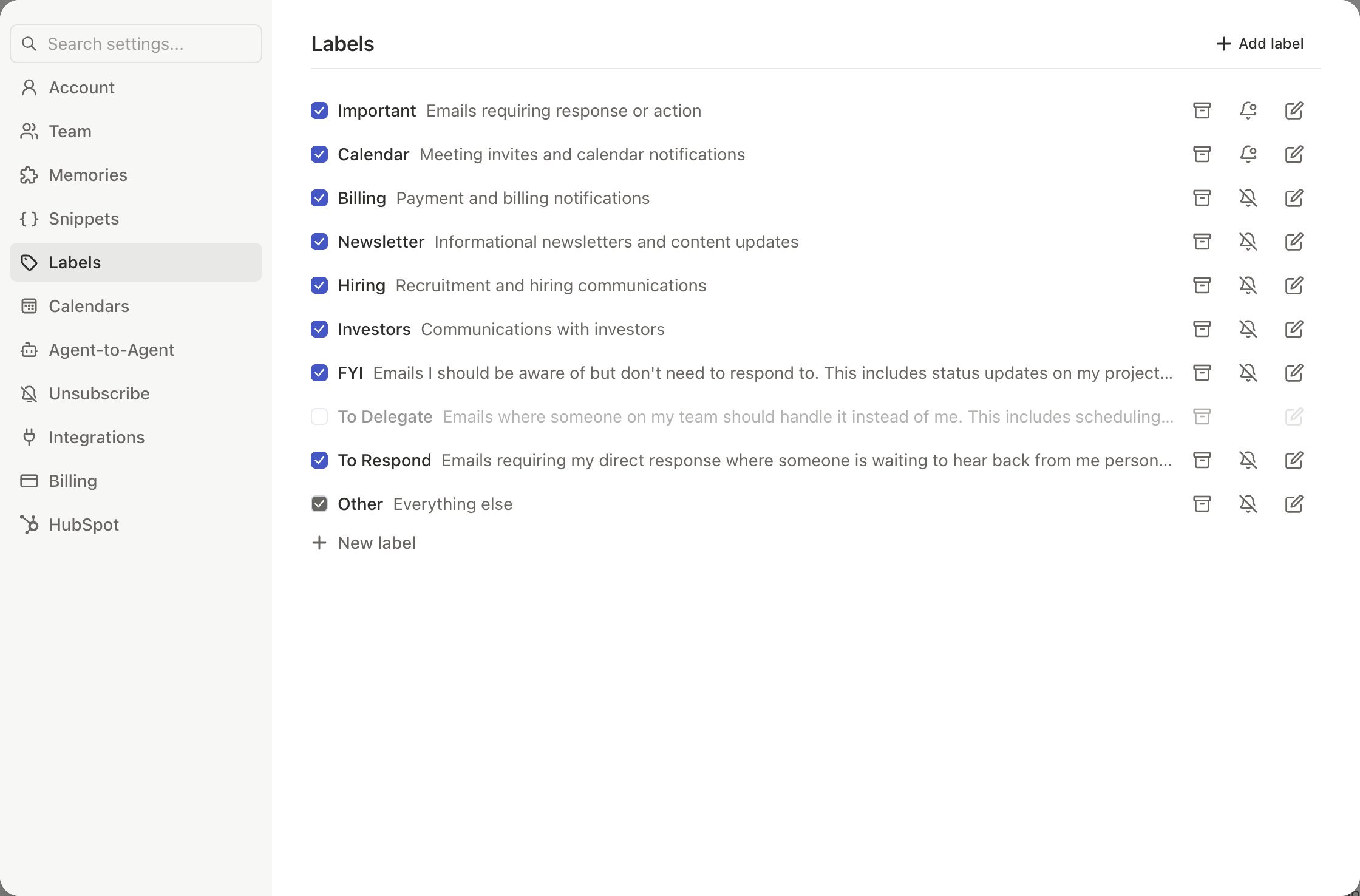
By default, follow-ups land in Drafts for review. To auto-send, tell the agent: “Update my follow-up automation to send automatically.” Start with review mode until you trust the quality.
Track Email Opens
Monitor opens and set up VIP alerts.
10 Automations
Essential automations every user should set up.