

Connecting During Onboarding
iMessage connection is a step in onboarding, right after your inbox preview.1
Complete earlier onboarding steps
Sign in, connect your inbox, and continue through the inbox preview.
2
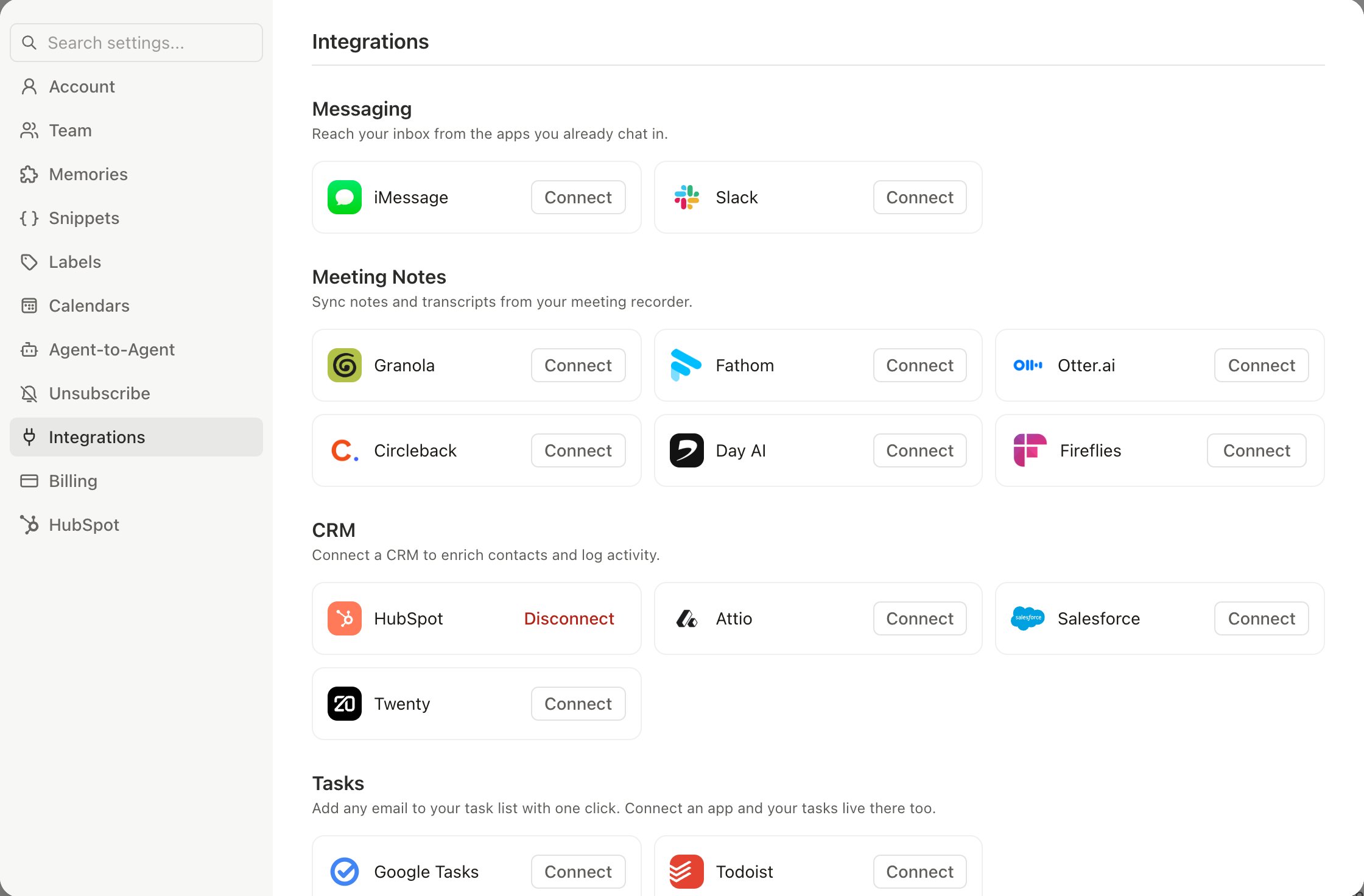
Click Connect iMessage
This generates a link that opens iMessage with a pre-filled message to the Slashy number.
3
Send the pre-filled message
Do not edit it — the message contains invisible zero-width Unicode characters that link your phone number to your account.
4
Confirm the connection
The Slashy agent responds within seconds confirming the link.
On a computer without the Messages app, the step shows a QR code to scan with your iPhone. You can also skip the step and connect later.
Re-Activating the Agent
If the iMessage agent stops responding or you skipped it during onboarding: just send it a text. A simple “hi” works. There is no toggle — the agent is always listening once linked. Sending a new message restarts the connection.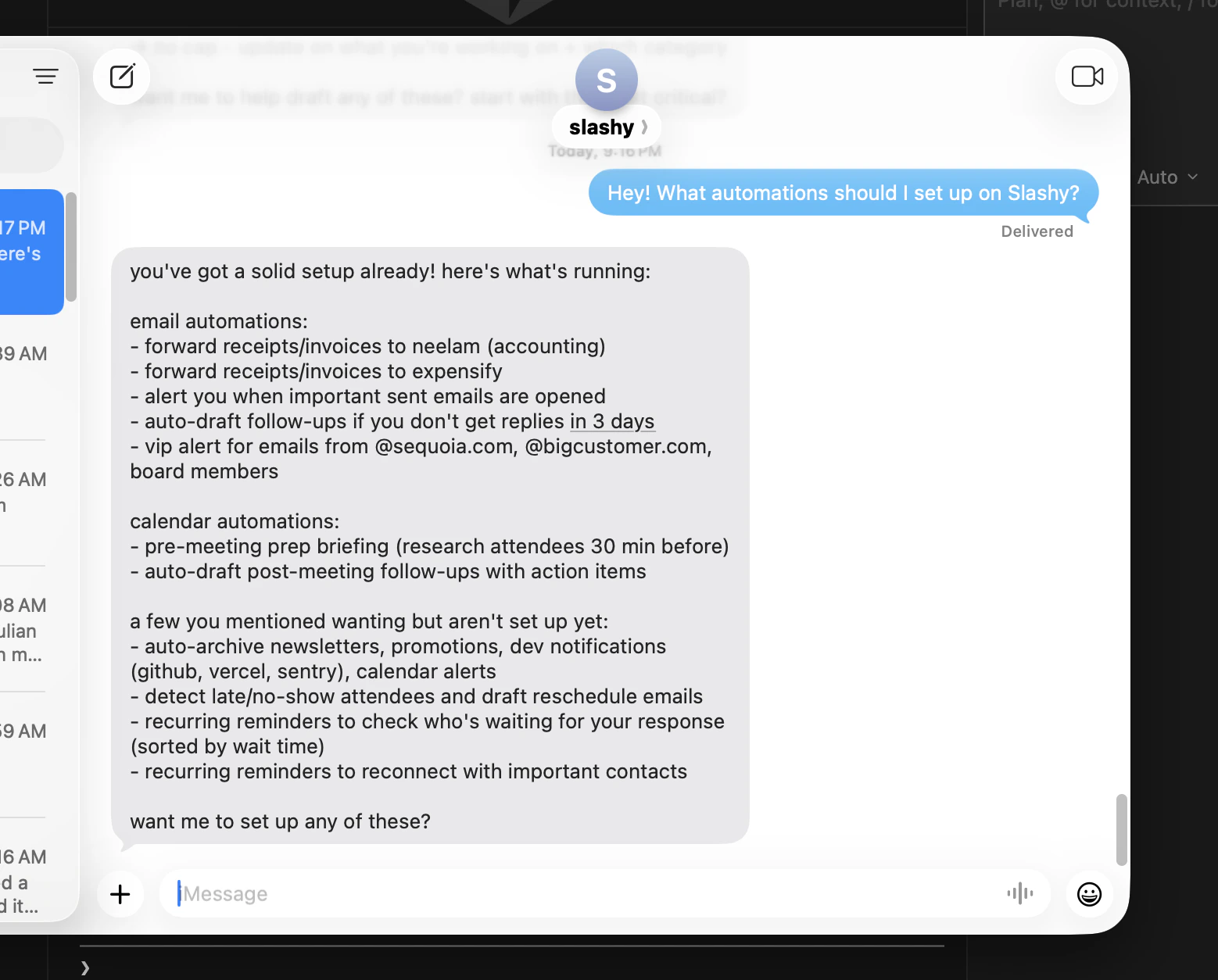
Linking a New Phone Number
1
Update your number
Go to Settings (
Cmd+,) > Integrations > Messaging > iMessage and update your phone number.2
Generate a new link
Open the agent sidebar (
d a) and type: “Generate my iMessage link.”3
Send the pre-filled message from your new number
Click the provided URL to open iMessage and send.
Quick Test After Setup
Verify everything works by trying these three messages right after connecting:1
Test search
Text: “Show me my latest unread email” — the agent should respond with a visual preview within 10 seconds.
2
Test calendar
Text: “What’s on my calendar today?” — confirms calendar access is working.
3
Test a draft
Text: “Draft a test reply to my most recent email saying thanks” — confirms the agent can compose on your behalf.
Troubleshooting
Agent stopped responding
Agent stopped responding
Send any message (even “hi”) to restart the connection. If it still does not respond after 60 seconds, re-generate the iMessage link from the agent sidebar.
Never received a response after setup
Never received a response after setup
The pre-filled message may have been edited. Go to the agent sidebar (
d a) and type “Generate my iMessage link” to get a fresh link. Send the new pre-filled message without editing.Agent doesn't recognize your number
Agent doesn't recognize your number
Your phone number is not linked to your Slashy account. Update it in Settings > Integrations > Messaging > iMessage, then generate a new iMessage link from the agent sidebar.
Messages sending as green (SMS)
Messages sending as green (SMS)
Slashy requires iMessage, not SMS. Enable iMessage on your iPhone: Settings > Messages > iMessage (toggle on). If you are on Android, iMessage is not available — use the Slashy mobile app instead.
Agent responds slowly (>30 seconds)
Agent responds slowly (>30 seconds)
Complex tasks (meeting prep, multi-email searches) take longer. If simple queries like “show my unread emails” are consistently slow, contact founders@slashy.com.
Privacy
iMessage conversations are processed by the same AI as the web and desktop apps. Messages follow the same rolling summary approach — they are not stored permanently. See AI Privacy for full details on how your data is handled.Related Articles
iMessage Capabilities
Everything you can do via text
Daily Briefings
Morning summaries delivered to your phone
Group Chats
Add Slashy to an iMessage group
10 Automations
Set up the most impactful automations
Customize Your Agent
Control your agent’s writing style