

How It Works
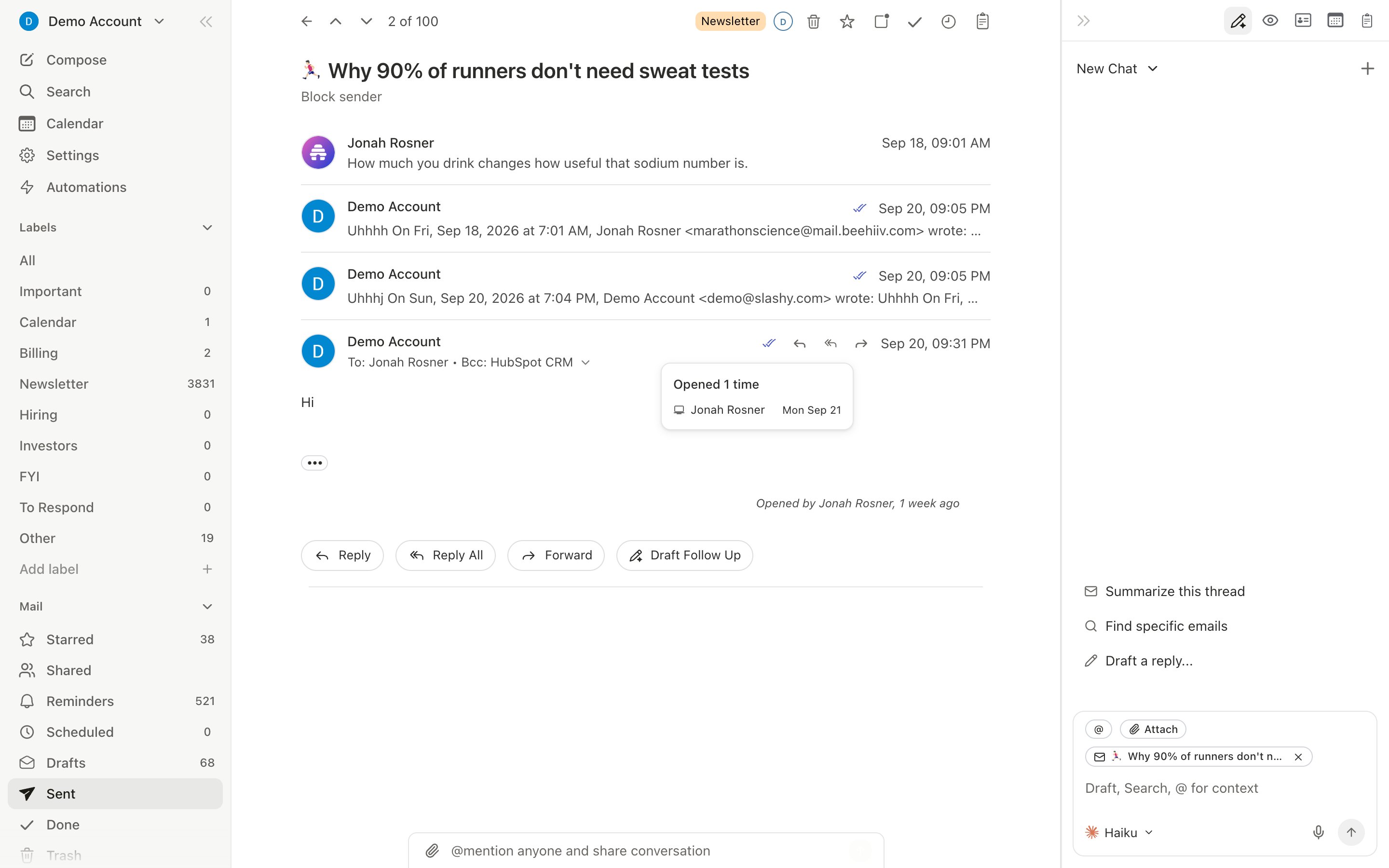
Slashy embeds a tiny invisible pixel in sent emails. When the recipient opens the email, the pixel loads and Slashy records the open, timestamp, open count, and device type.Some email clients block tracking pixels (Outlook often does). Treat open data as a signal, not a guarantee.
The Recent Opens Panel
Pressd o to open the panel. It shows a chronological feed of who opened your tracked emails:
- Recipient name and email
- Subject line
- Timestamp (grouped: just now, today, yesterday)
- Device type when detectable
VIP Open Alerts
For high-priority contacts, get notified the moment they open your email:- Open the agent sidebar (
Cmd+/) - Type: “When someone from @bigcustomer.com opens an email I sent, alert me on iMessage with the subject and when they opened it.”
- Confirm the trigger
Combine with Follow-up Automation
Daily Workflow
- Morning:
d oto scan overnight opens - Spot hot leads: Multiple opens or late-night opens indicate interest
- Prioritize: If someone opened 5 minutes ago, follow up now while top-of-mind
- Let automations handle the rest
Automate Follow-ups
Set up automatic follow-up sequences.
10 Automations
Essential automations every user should set up.