

from: and after:. Press / to search, and ask the agent to summarize any long thread so you don’t read it all.
Let importance labels do the sorting
Slashy classifies each incoming email as Important, Newsletter, Billing, and other labels you choose. They appear as tabs at the top of your inbox with unread counts. Pressg i for Important. Create or adjust labels in Settings → Labels. See Importance labels.
Search everything
1
Open search
Press
/ from anywhere. Results stream as you type.2
Pick your scope
Inside one account, search covers that inbox. Switch to All (
Alt+0) first to search every connected Gmail and Outlook account at once.3
Narrow with operators
Combine
from:, to:, subject:, is:unread, has:attachment, label:, before:, and after:. Example: from:sarah after:2026-01-01 has:attachment.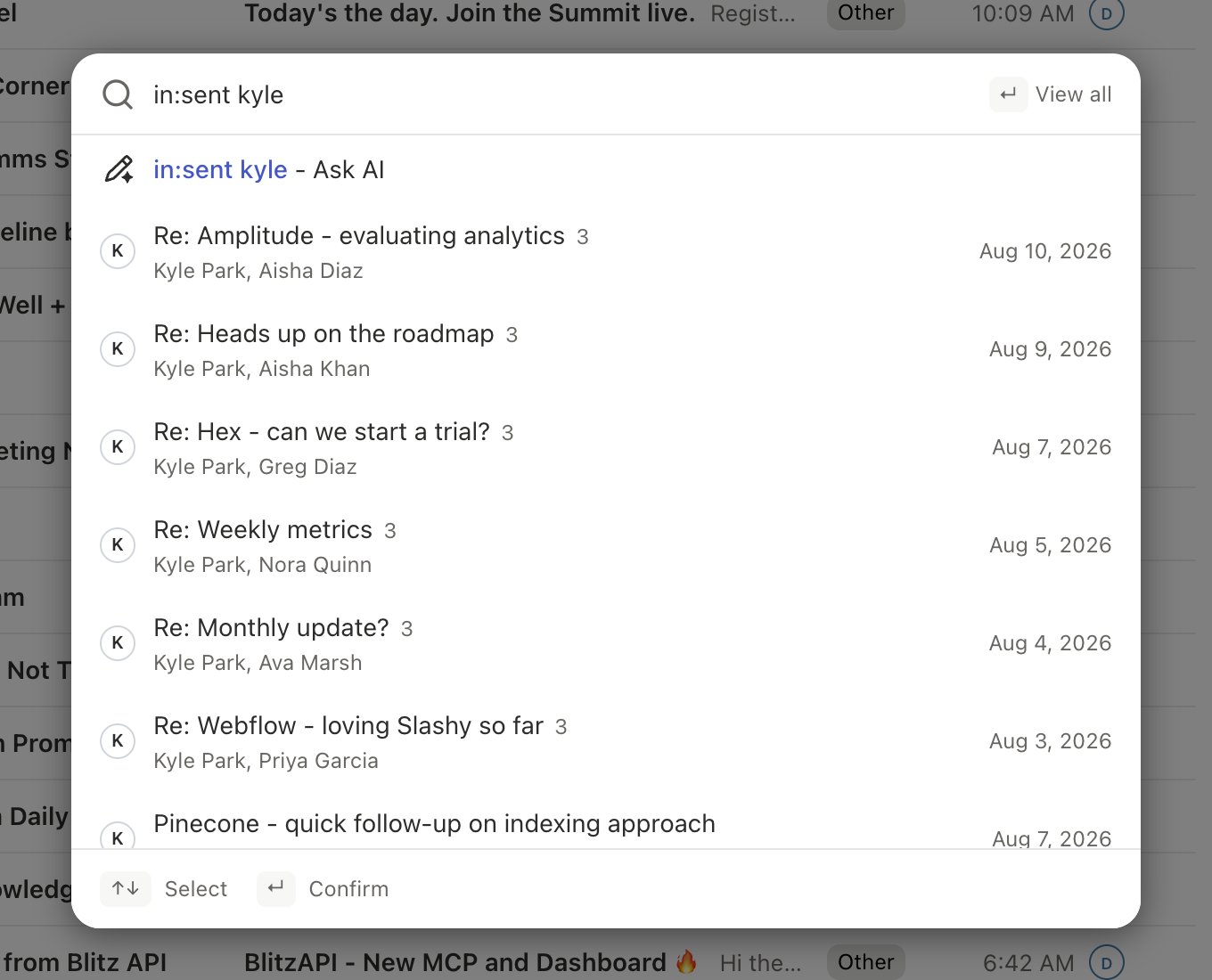
acme.com returns every thread touching anyone at Acme. Use OR for either condition and - to exclude, such as from:sarah -subject:newsletter.
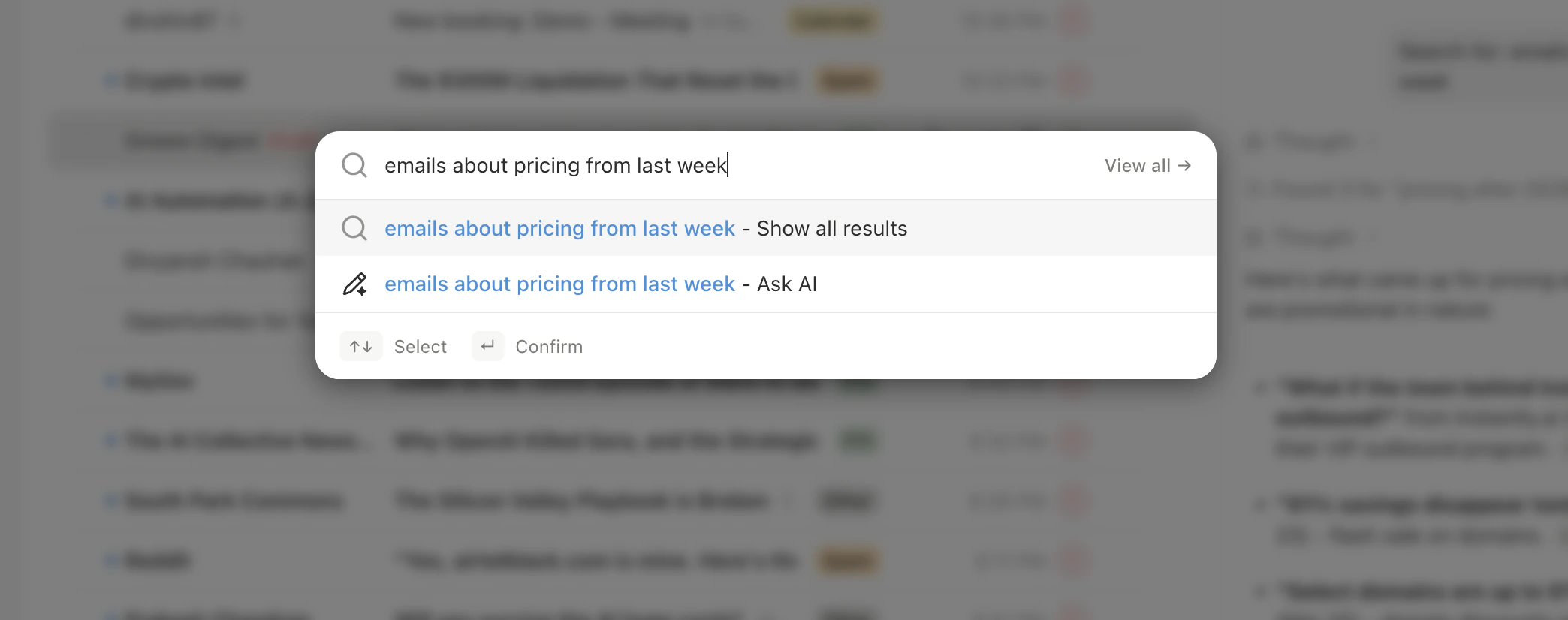
For natural language, press Cmd+K and type a sentence like “unread emails from investors about term sheets”. The palette turns it into a search.
Catch up on a long thread without reading it
Open the agent withCmd+/ while the thread is open, then ask “Summarize this thread.” The agent picks up the open thread automatically. Select several threads first and ask “summarize these threads” or “which of these need action today?”. To share the result, ask the agent to post the summary as a comment for your team.
What this looks like for a team
A founder returns from a week away to hundreds of messages across three inboxes. They pressg i to read only Important, then search from:acme.com after:2026-10-01 in the All view to find the customer thread. The thread has 40 messages, so they ask the agent for a summary and reply in a minute.
Can I search by date range?
Can I search by date range?
Yes. Use
after: and before: together, such as after:2026-01-01 before:2026-02-01.Does search include attachments?
Does search include attachments?
Free-text search matches attachment file names, and
has:attachment finds messages with attachments.Can I search trash and spam?
Can I search trash and spam?
Yes. Use
in:trash, in:spam, or in:anywhere to include every location.Can the agent search for me?
Can the agent search for me?
Yes. Ask in chat, for example “Find all emails from Sarah last week about the budget.”
Search operators and filters
Every operator in one place.
Importance labels
How AI sorts your inbox.
Sidebar agent and command palette
Ask the agent to find and summarize.
Manage multiple email accounts
Search across all inboxes.