

Set it up in four steps
1
Turn on Auto reminders
Press
Cmd+,, then go to Account → AI Features and turn on Auto reminders. Slashy sets a “remind if no reply” reminder on each email you send, and cancels it when the recipient replies.2
Add a default reminder on send
Under Account → Compose & Reply, turn on Default reminders, then set Days, Time, and Type.
3
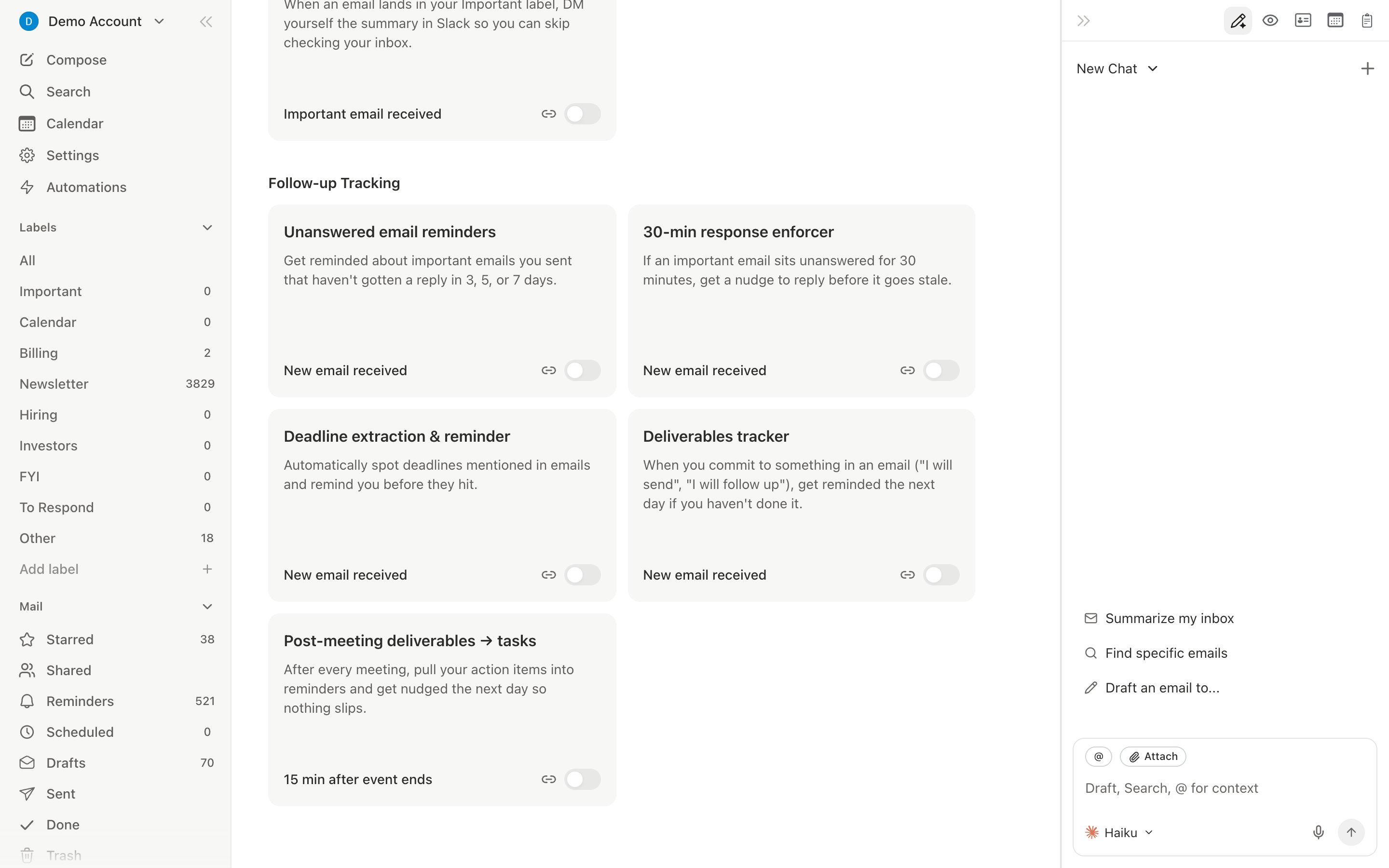
Create the Dropped Ball Scanner
Press
Cmd+/ and say “Set up a daily dropped ball scanner that runs every weekday at 8am.” It reports unreplied received emails, unanswered sent emails, stalled threads, and approaching commitments.4
Mark high-priority threads
Press
h on a thread to pick a time, or press t to mark it Needs reply or Follow up.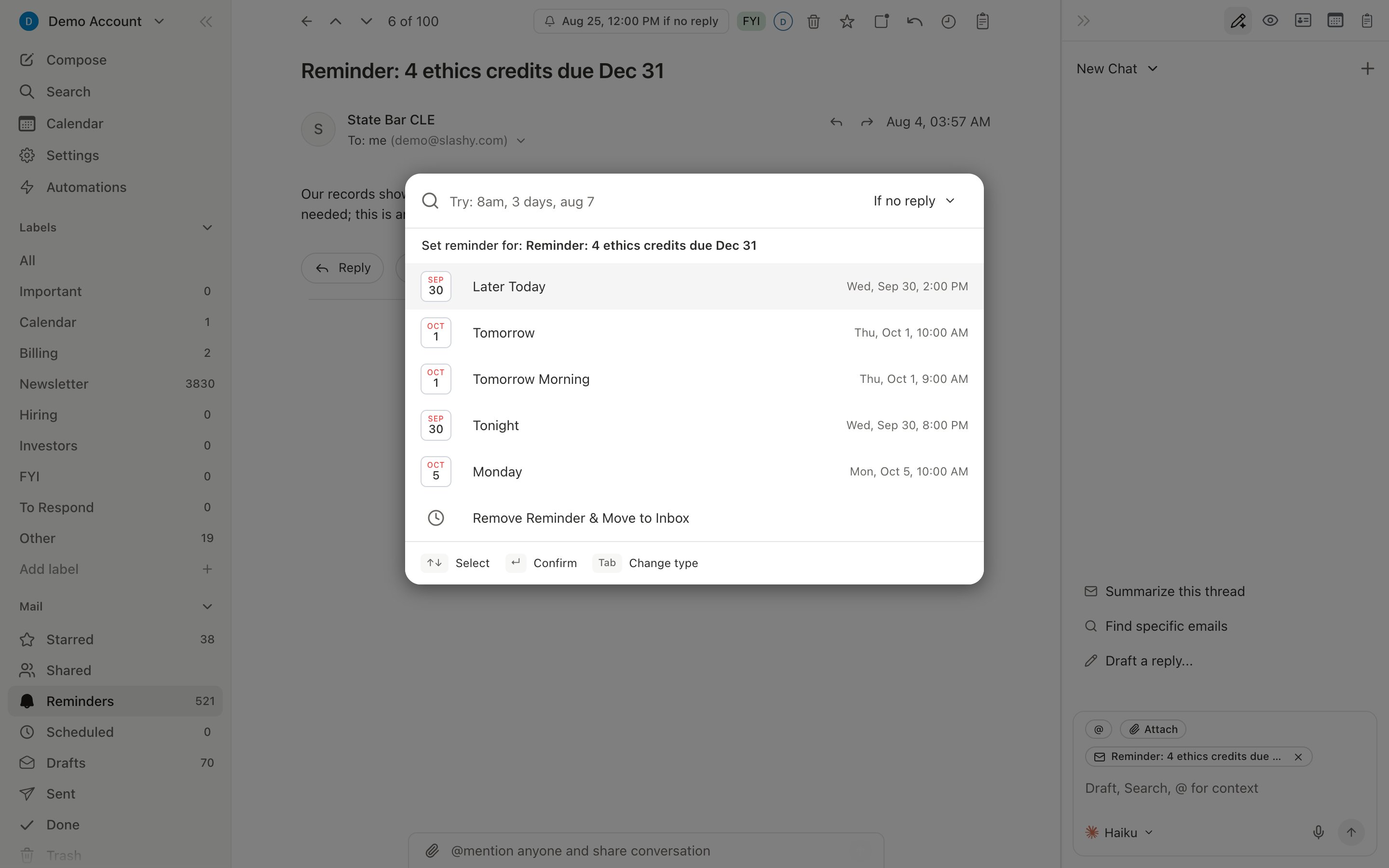
g h to see every thread with an active reminder, grouped by type or due date.
Track what you promised
Ask the agent in chat (d a) to build a follow-up automation: “When I send an email and don’t get a reply within 3 days, draft a polite follow-up for me to review.” Follow-up drafts land in Drafts (g d) for review. Add open tracking and you can say “When a prospect opens my email but doesn’t reply within 2 days, draft a follow-up.”
Keep teammates from stepping on each other
When several people touch the same prospect, assign the thread withi so it has one owner. Press Shift+M to see what’s assigned to you, and use the green check on the owner’s avatar to see what’s done. Press Shift+R in Inbox, All Mail, or Shared to show threads still waiting on a reply to your last message.
What this looks like for a team
Two reps email the same account. Both have Auto reminders on, so each sent email has a reminder. The prospect goes quiet, and the reminder returns the thread to the inbox of whoever sent it. Each rep pressesShift+R in the inbox to see their own threads still waiting on a reply, and the team assigns any shared prospect thread to one rep with i. Every morning each rep gets the Dropped Ball Scanner summary of replies they owe.
What happens if the prospect replies?
What happens if the prospect replies?
An “if no reply” reminder cancels automatically, so you only hear about threads that are still waiting.
Will Slashy send follow-ups for me?
Will Slashy send follow-ups for me?
By default follow-ups land in Drafts for you to review. You can tell the agent to send automatically once you trust the drafts.
How do I see who opened my email?
How do I see who opened my email?
Press
d o to open Recent Opens. Sent messages also show an “Opened by” indicator.Can I set a reminder on many threads at once?
Can I set a reminder on many threads at once?
Yes. Select threads with
Shift+J and Shift+K or Cmd+A, then press h.How to never miss a follow-up
All four layers of follow-up protection.
Automate customer follow-ups
Timing and labels for sales follow-ups.
Email tracking and read receipts
See who opened your email.
Assigning threads
Give each conversation one owner.