

Open the billing portal
1
Open Billing
Press
Cmd+, or click Settings in the sidebar, then select Billing.2
Click Manage
The Plan row has a Manage button. It opens the portal in your browser.
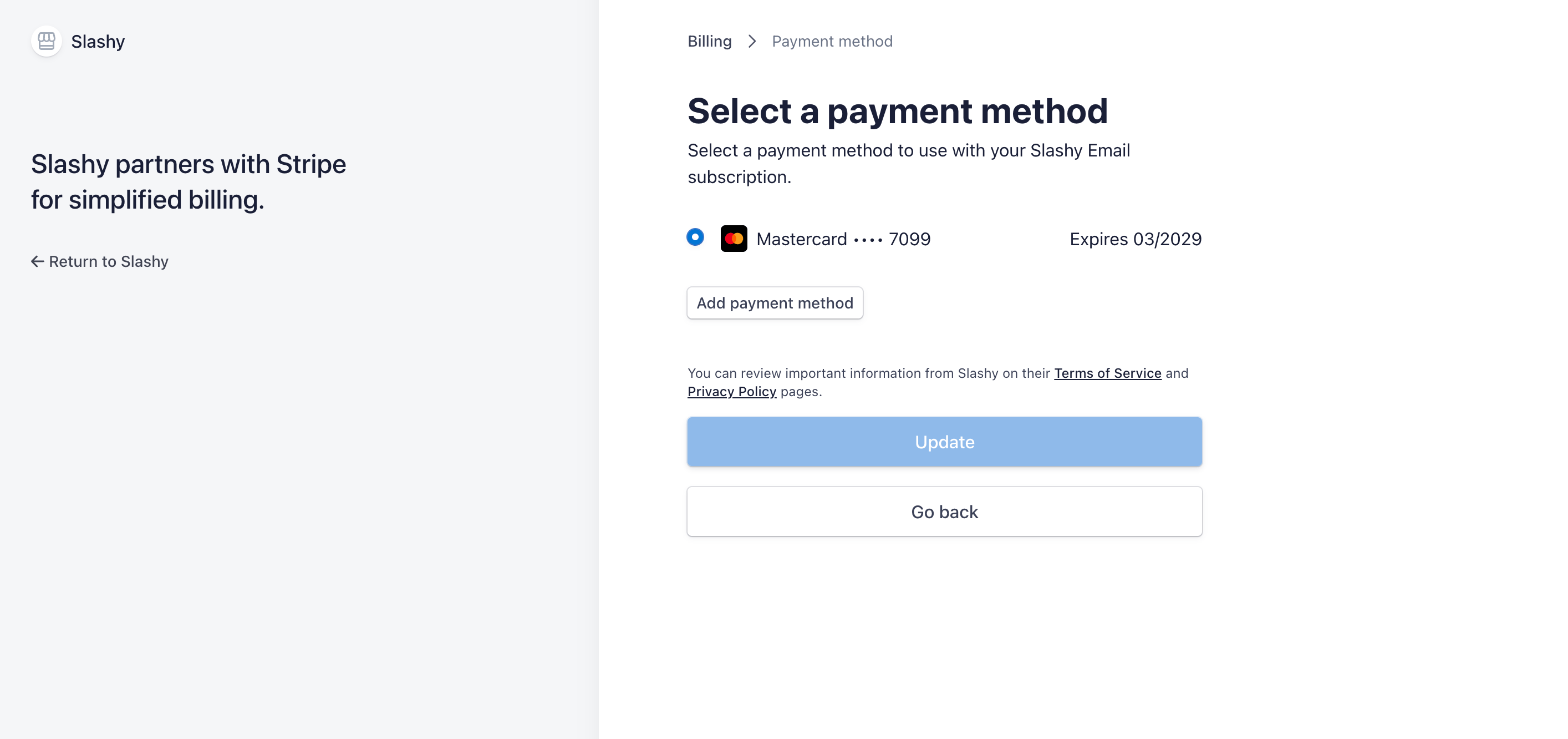
Update your card
Open the portal and update the payment method on file. The new card is used for your next charge.If a payment fails
When a charge fails, Settings → Billing shows Last payment failed with the date, and the plan status reads Past due. Update your card in the portal and the charge retries automatically.If you do not see a Manage button
- You are covered by someone else. If Settings → Billing shows Paid by and a name, that person pays for your seat and manages billing and invoices. Ask them for receipts. See Managing seats and team billing.
- You have not subscribed yet. Finish signup to add a card and start your trial.
Need receipts for your accountant
Download the invoices from the portal and forward them. Billing details such as your address can be updated in the same place.Free trial and billing
What each field in Billing means.
Cancel your subscription
Stop future renewals.
Refunds
Ask about a charge.
Managing seats and team billing
Who pays for teammates.