

What Stays in Sync
What Lives in Slashy
These features work inside Slashy:- Importance labels (AI-categorized tabs): these sort your inbox into tabs in Slashy, and each one also appears in Gmail as a label under [Slashy] > AI. Labeling alone never moves mail out of your Gmail Inbox. Your own Gmail labels stay Gmail labels, and you can show them as tabs too
- AI drafts Slashy writes for you, until you edit one (see Drafts)
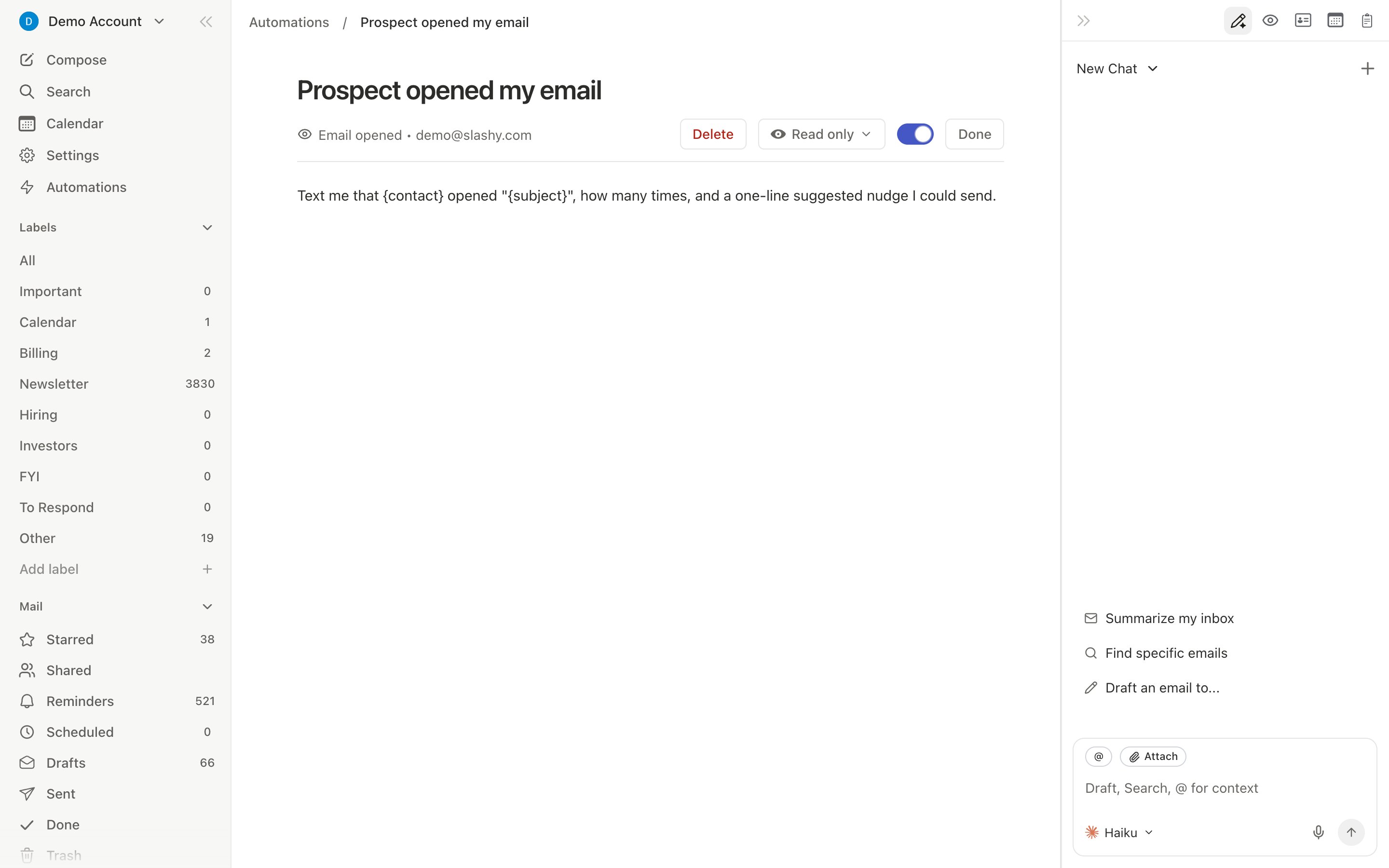
- AI memories, automations, email tracking
- Reminders/snooze, independent from Gmail’s snooze. When a reminder fires, Slashy adds a short “Slashy Reminder” message to the thread, so you also see it in Gmail
- Tasks (separate from Google Tasks)
- Contact enrichment (LinkedIn data, AI-generated notes)
Drafts
Drafts stay in step between Slashy and Gmail, usually within seconds:- A draft you start in Gmail, on the web or in the Gmail app, appears in Slashy’s Drafts.
- A draft you write in Slashy appears in your Gmail Drafts folder.
- Edits in either place reach the other, including attachments.
- Send or discard a draft in one place and it leaves the other.
- AI drafts Slashy writes for you. Once you edit one, it syncs like any other draft.
- Scheduled sends. Scheduling a draft in Slashy removes its copy from Gmail Drafts, so it can only be sent once.
- Drafts that were in Slashy before draft sync started for your account.
Race Conditions to Avoid
Transition Strategy
1
Week 1: Side by Side
Keep Gmail open alongside Slashy. Try one task per day in Slashy: a reply, a batch archive, an agent query. Confirm sync works as expected.
2
Week 2: Slashy as Default
Start email sessions in Slashy. Learn shortcuts:
j/k navigate, e archive, r reply, Cmd+Enter AI draft. Set up 2-3 automations.3
Week 3: Desktop App
Install the desktop app and keep it open in place of your Gmail tab. Press
Cmd+/ inside Slashy to open the AI agent.4
Week 4+: Gmail as Backup
Slashy handles your daily workflow. Gmail stays for occasional filter management or Google Chat.
If Something Gets Out of Sync
- Press
Cmd+Rto reload Slashy (forces fresh sync) - Wait 10-15 seconds
- Check Settings > Account to confirm connection health
Moving from Gmail
Permissions, security, and what Slashy accesses.
Multiple Accounts
Manage work and personal inboxes together.