> ## Documentation Index
> Fetch the complete documentation index at: https://help.slashy.com/llms.txt
> Use this file to discover all available pages before exploring further.
# Can my teammates' Slashy agents ask my agent questions?
> Let teammates' agents ask yours for information, within the people, accounts, and detail levels you choose. Off by default.
Agent-to-Agent lets a teammate's Slashy agent ask your agent a question, like whether you are free Thursday or where a deal stands, without either of you interrupting the other. You decide who can ask, which accounts your agent draws from, and how much it may reveal.
It is off by default. Nothing is shared until you turn it on and choose your settings.
Agent-to-Agent appears in Settings for accounts that belong to a team.
## Turn it on
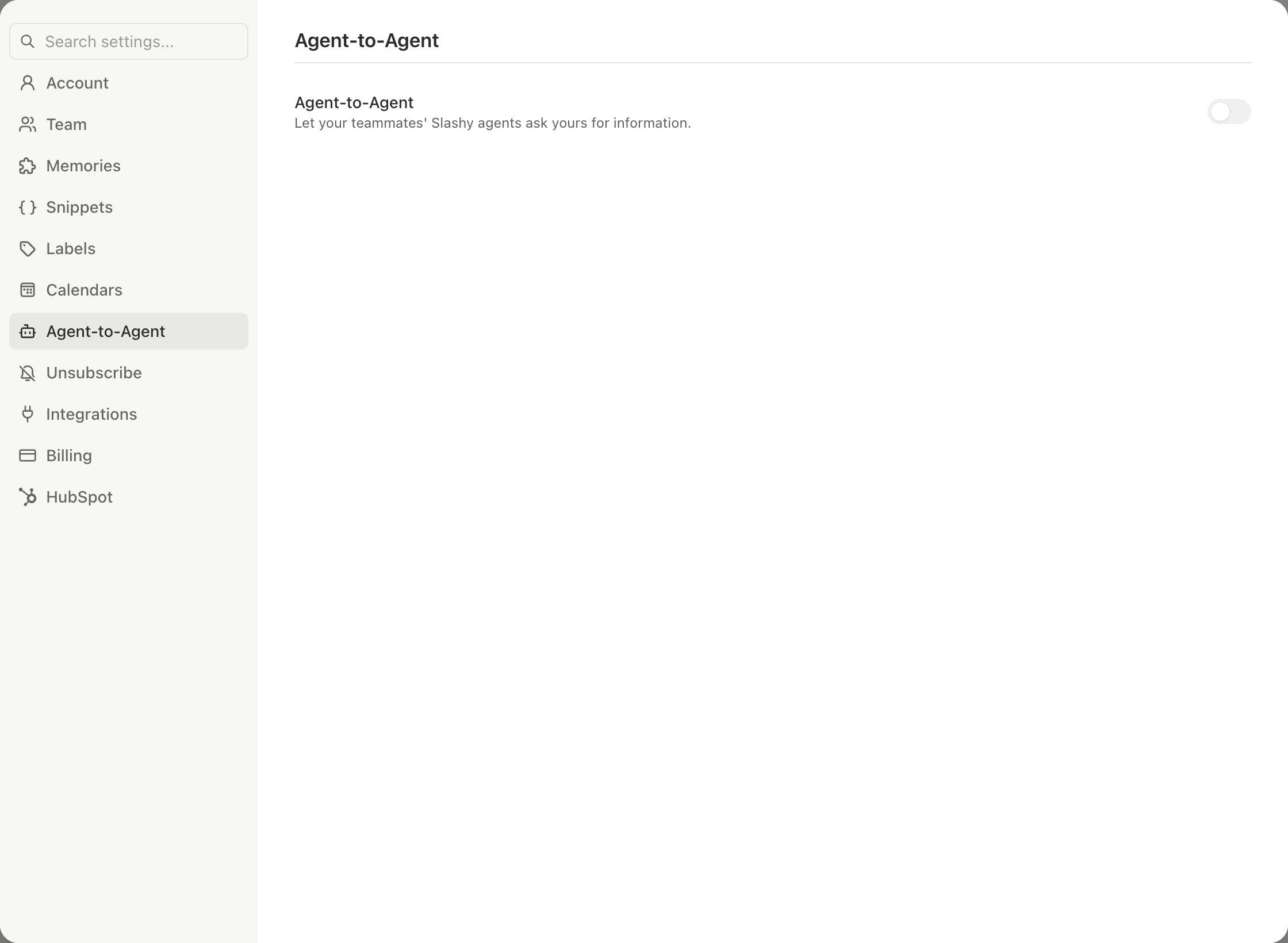
Press `Cmd+,` and choose **Agent-to-Agent**.
Turn on **Agent-to-Agent**, described as "Let your teammates' Slashy agents ask yours for information."
Set the options below.
 ## What you control
| Setting | Options |
| - | - |
| **Share with** | Everyone, No one, or specific teammates. Only these teammates can receive answers from your agent. |
| **Use information from** | All accounts, or only the connected accounts you select. |
| **Email** | Nothing, Delivery and reply status, or Verbatim email content |
| **Calendar** | Nothing, Free/busy availability, or Verbatim event details |
| **Sharing rules** | Plain-language rules for your agent, with a default policy and optional person-specific rules that override it |
The Email and Calendar settings are the most your agent can ever reveal. Sharing rules can narrow that further but never widen it. If a request falls outside your settings, your agent declines without describing the content.
## How it works day to day
When you ask your agent about a teammate's view, for example "Ask Sam's Slashy whether Thursday works for the review," your agent messages theirs. Their agent answers under the rules they set. The reverse is also true: when a teammate's agent asks yours, it replies from what you allowed.
The agent answering a teammate only reads. It cannot send email, change your calendar, or edit anything on your behalf.
Start narrow: share with a few teammates, set Calendar to Free/busy availability, and Email to Nothing. Widen it later if you want more.
Yes. You can tell your agent what teammates' agents may and may not share. Your explicit instruction is what changes a rule. The text of each rule is visible in Settings under **Sharing rules**.
Manage your team and members.
What the agent does on its own.
How your data is handled.
Chat with the agent.
## What you control
| Setting | Options |
| - | - |
| **Share with** | Everyone, No one, or specific teammates. Only these teammates can receive answers from your agent. |
| **Use information from** | All accounts, or only the connected accounts you select. |
| **Email** | Nothing, Delivery and reply status, or Verbatim email content |
| **Calendar** | Nothing, Free/busy availability, or Verbatim event details |
| **Sharing rules** | Plain-language rules for your agent, with a default policy and optional person-specific rules that override it |
The Email and Calendar settings are the most your agent can ever reveal. Sharing rules can narrow that further but never widen it. If a request falls outside your settings, your agent declines without describing the content.
## How it works day to day
When you ask your agent about a teammate's view, for example "Ask Sam's Slashy whether Thursday works for the review," your agent messages theirs. Their agent answers under the rules they set. The reverse is also true: when a teammate's agent asks yours, it replies from what you allowed.
The agent answering a teammate only reads. It cannot send email, change your calendar, or edit anything on your behalf.
Start narrow: share with a few teammates, set Calendar to Free/busy availability, and Email to Nothing. Widen it later if you want more.
Yes. You can tell your agent what teammates' agents may and may not share. Your explicit instruction is what changes a rule. The text of each rule is visible in Settings under **Sharing rules**.
Manage your team and members.
What the agent does on its own.
How your data is handled.
Chat with the agent.